
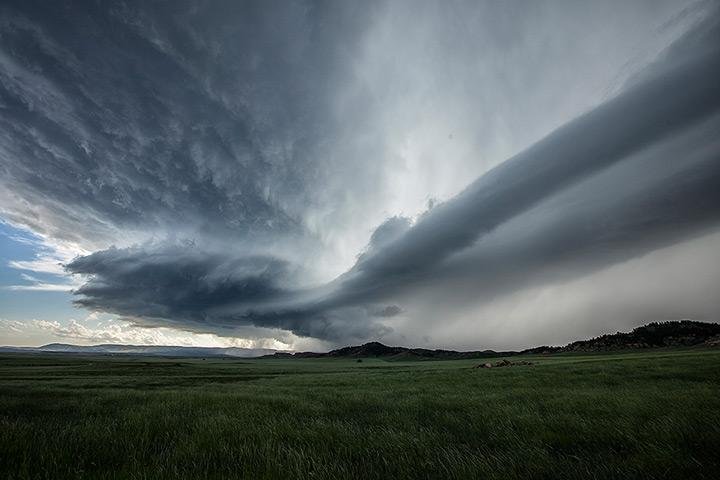
How to Prepare Your Home for the 2026 Hurricane Season
As the shadow of Hurricane Helene still lingers, the storms of 2025 are already on the horizon. Hurricane Helene, a

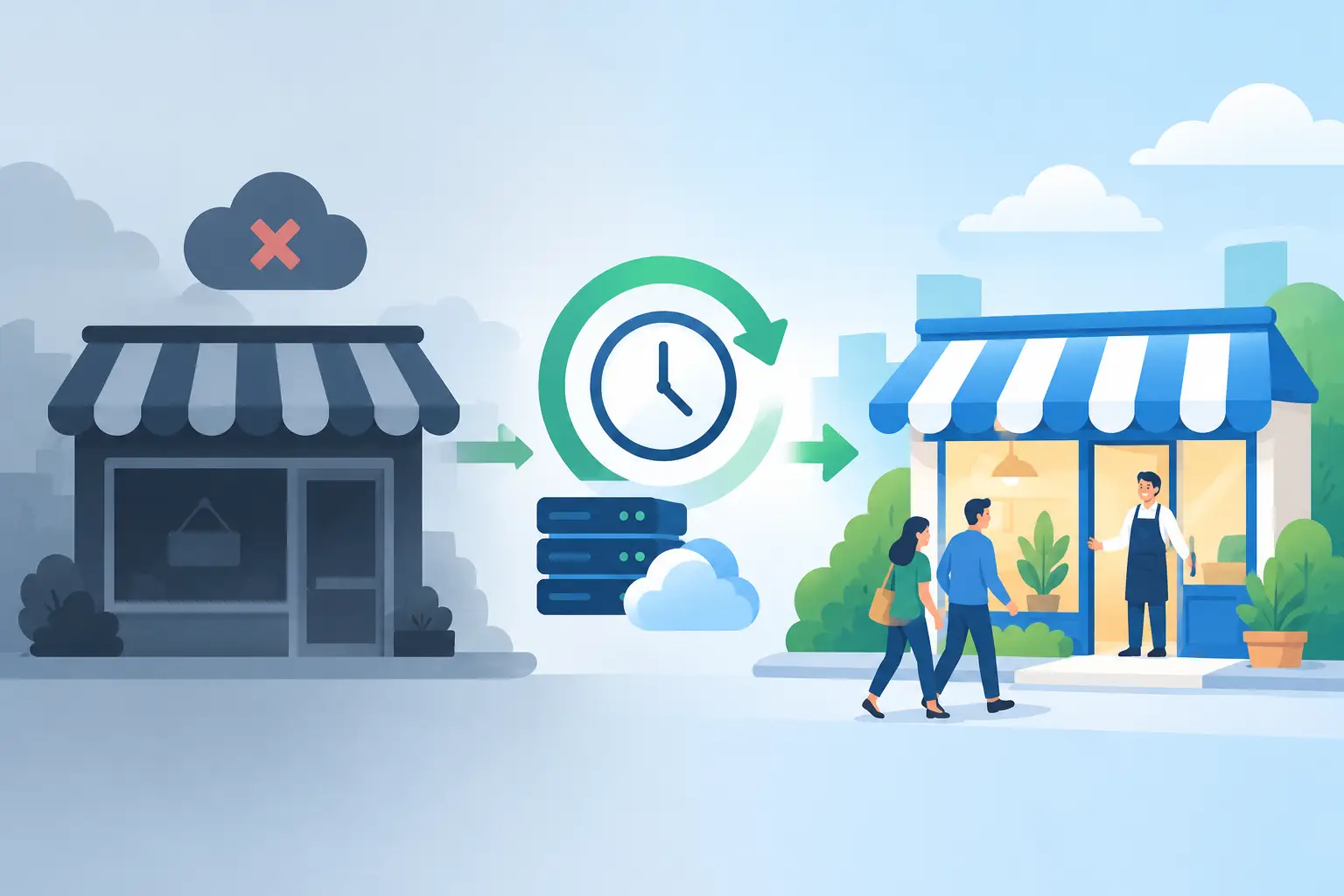
A card terminal goes dark, the internet drops, and customers start asking whether you are open. This small business outage recovery example shows what a prepared operation can do in the first 72 hours after a storm or grid failure – without trying to power every device in the building.
Consider a small neighborhood market with a refrigerated display case, a chest freezer, a point-of-sale system, a router, security cameras, lights, and one office laptop. Before the outage, the owner assumed a generator was the only answer. After reviewing what actually kept the business operating, the priority became clear: protect perishable inventory, accept payments, communicate with customers, and maintain basic security.
That distinction matters. Backup power is not about recreating normal operations at any cost. It is about keeping revenue, safety, and customer trust intact until utility service returns.
At 6:15 p.m., high winds take down power lines near the market. The owner receives the outage alert while closing for the day. Instead of waiting until morning to assess the damage, the team follows a simple recovery plan.
First, they avoid repeatedly opening refrigerated equipment. Cold air is valuable during an outage. The manager checks that freezer and cooler doors are fully sealed, records the time power went out, and moves a thermometer into each unit. The business does not immediately connect every appliance to backup power, because a refrigerator compressor can demand a high startup surge and quickly drain an undersized battery.
The owner then powers the essentials from a portable power station: the router, a cellular hotspot, two LED lights, the security camera hub, and a phone charging station. The store cannot run normal checkout yet, but the team can contact staff, monitor the property, and post a clear update for customers.
By 7:00 a.m. the next day, the outage remains widespread. The owner brings in a larger solar generator sized for refrigeration and rotates loads deliberately. One cooler is powered first, while less critical equipment stays off. Portable solar panels are set up only when conditions are safe, secured, and clear of standing water or wind hazards. Solar charging extends runtime during daylight and reduces dependence on fuel deliveries, which can be unreliable after a major storm.
The store opens with limited service. It sells shelf-stable goods, cold drinks from the protected cooler, and essentials that can be processed through the available payment method. A handwritten sign at the entrance explains the temporary limits. Customers are more forgiving when they know a business is operating safely and honestly.
On day three, grid power is still inconsistent. Instead of reconnecting every load when electricity flickers back, the owner waits for stable service and uses battery backup to bridge short interruptions. Inventory temperatures, fuel use, sales, and battery levels are documented. Those notes become the basis for a better plan before the next outage.
The market recovered because it identified its critical loads before the storm. Your list will be different. A salon may prioritize lights, a card reader, a router, and a small water pump. A property manager may need communications equipment, gate access, security cameras, and emergency lighting. A small office may be able to operate for a day or two with laptops, internet equipment, phones, and a printer.
The key question is not, “What do we normally use?” Ask, “What must remain powered for us to protect people, property, inventory, and income?”
For most small businesses, critical loads fall into four groups:
Once these priorities are written down, calculate the wattage each item uses and how many hours it must run. A router may use relatively little energy, while a refrigerator or pump can require far more power and a substantial startup surge. That difference determines whether a compact portable power station is enough or whether your operation needs a higher-capacity solar generator or a professionally designed battery backup system.
Buying the largest system available is not always the smartest move. A bigger battery provides more runtime, but it also costs more, takes up more space, and may require a more permanent installation. On the other hand, a system that only powers phones and lights will not save refrigerated stock or support a payment system for long.
Start with the running watts of every device you plan to use at the same time. Then account for surge power, especially for motors in refrigerators, freezers, pumps, and some tools. Finally, decide the runtime you need. A business in an area with short, occasional outages may prioritize a few hours of coverage. In hurricane-prone coastal areas, planning for at least 24 to 72 hours of limited operation is often more realistic.
Solar panels add another layer of resilience, but they are not magic. Charging depends on sunlight, panel size, weather, shading, and how much energy you are using. During a cloudy storm day, solar input may be limited. During clear conditions after the storm, solar can significantly stretch battery runtime and reduce the need to find fuel.
For businesses that cannot afford to lose refrigeration, internet, or security for long, a layered approach is often the strongest choice: battery power for immediate, quiet backup; portable solar for daytime recharging; and, where appropriate, a generator or installed battery system for extended emergencies. The right mix depends on your load, location, budget, and tolerance for downtime.
A backup power system only works if people know what to do with it. Store operating instructions with the equipment, not in a file on someone’s unavailable computer. Label the cords and devices that are approved for backup use. Keep extension cables rated for the intended load, and never run power equipment in standing water or a poorly ventilated indoor space.
Your team should know who has access to the equipment, who communicates with customers, and who records key details. During an outage, confusion burns time and battery capacity.
A practical first-hour checklist should cover confirming the outage, securing the building, protecting temperature-sensitive stock, powering communications, and notifying essential staff. The next step is deciding whether to open with limited service, close temporarily, or shift to appointments and deliveries. That decision should be based on safety and available power, not pressure to appear fully operational.
It also helps to keep printed contact information for staff, suppliers, insurance, and key service providers. If cellular networks are overloaded or your primary internet connection is down, a paper list can be more useful than a perfectly organized cloud folder.
The worst time to learn that a battery will not start a cooler is after your inventory is already warming. Test your setup during normal business hours. Connect the actual devices you intend to run, measure how long they operate, and see whether the system handles startup demand.
Testing often reveals small problems with big consequences: a missing adapter, a cable that is too short, an overloaded power strip, a forgotten password for the payment hotspot, or a battery stored at an unsuitable charge level. Correcting those issues before an emergency costs far less than losing a day of sales or a freezer full of product.
For businesses in The Bahamas, equipment placement deserves extra attention. Salt air, humidity, heat, and wind exposure can shorten the life of poorly stored equipment. Keep batteries and electronics dry, protected from direct weather, and within their recommended operating temperatures. Secure portable solar panels carefully and never deploy them in conditions that make wind damage likely.
SOL242 helps businesses prepare with solar and battery equipment selected for the realities of island outages, heat, and storm recovery. The goal is not complicated energy planning. It is having dependable power ready when the grid is not.
A prepared business does not need to promise normal service during every outage. It needs a clear way to protect what matters most, serve customers safely when possible, and recover faster than the businesses that waited until the lights went out to make a plan.
As the shadow of Hurricane Helene still lingers, the storms of 2025 are already on the horizon. Hurricane Helene, a
The Bahamas: turquoise waters, sun-kissed beaches, gentle trade winds, and a relaxed pace of life. It’s one of the most

The Bahamas is blessed with sunshine almost all year round, making it one of the best places on earth to
All rights reserved sol1242.com © 2025


