
How to Prepare Your Home for the 2026 Hurricane Season
As the shadow of Hurricane Helene still lingers, the storms of 2025 are already on the horizon. Hurricane Helene, a

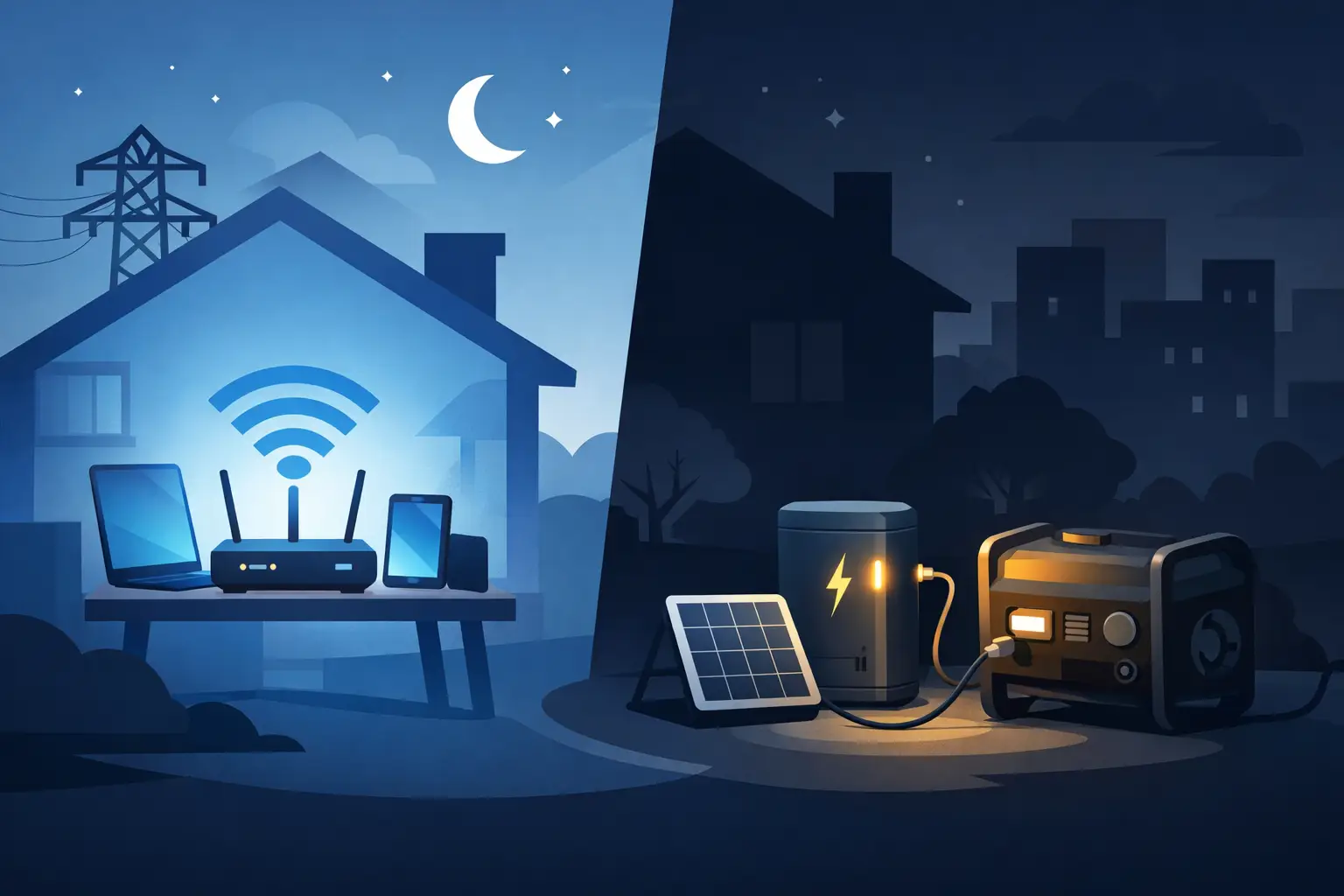
When the power drops, internet usually goes with it – right when you need it most. If you’re searching for how to keep WiFi on during blackout, the fix is not complicated, but it does require knowing which part of your setup actually needs backup power and for how long.
For most homes and small businesses, WiFi stays alive only if three things keep running: your modem, your router, and your internet provider’s local equipment. The first two are in your control. The third is not. That means the smartest approach is to build a backup setup that covers your own gear efficiently, while also understanding the limits of your provider’s network during a longer outage.
A lot of people assume they need to back up half the house just to keep internet running. Usually, you don’t. Your modem and router often use a surprisingly small amount of electricity. In many cases, the total load is somewhere between 15 and 40 watts.
That matters because low-power electronics are exactly where battery backup shines. A portable power station, small home battery backup, or UPS can run networking gear for hours without the noise, fumes, or fuel storage issues that come with a generator. If your goal is stable communications during a storm outage, that is often the most practical place to start.
If your internet setup includes a fiber terminal, network switch, mesh node, or security gateway, those devices also need power. The cleanest way to plan is to look at every device between the wall and your phone or laptop. If it helps your internet get online, it probably needs to stay powered.
The best backup option depends on how long you need internet to last and how simple you want the setup to be.
A UPS, or uninterruptible power supply, is the quickest fix for brief outages and voltage dips. It is designed to switch over almost instantly, so your modem and router do not reboot when power cuts out. That makes it useful for neighborhoods where outages are frequent but short.
The trade-off is runtime. Many UPS units are built to keep electronics on long enough to save work or shut down safely, not to run for all day. For internet gear only, you may get anywhere from one to several hours depending on battery size and load. That can be enough for passing outages, but it is usually not the best choice for hurricane season, extended blackouts, or remote work that cannot afford interruptions.
For most people, this is the sweet spot. A portable power station gives you much more runtime than a basic UPS and is easy to use. Plug in your modem and router, turn the unit on, and your network keeps running when grid power fails.
This approach works well because internet equipment uses so little power compared to appliances. Even a modest battery can keep WiFi online for many hours. If you also need to charge phones, laptops, or tablets, a portable power station gives you that flexibility without overcomplicating the system.
This is especially valuable in coastal and island environments where outages can stretch beyond a quick reset. A reliable battery unit gives you communications, access to weather updates, and the ability to work or check on family when the grid is down.
If outages may last more than a day, battery capacity alone is only part of the answer. Solar charging turns a backup system into a more resilient setup by letting you refill the battery during daylight hours.
That matters in the Bahamas and other storm-prone regions where fuel can be hard to get after severe weather. With a portable solar panel and compatible power station, you are not just delaying the problem. You are creating a way to maintain communication longer without depending entirely on the grid or gasoline supply.
If your priority is not just internet but also lights, refrigeration, security systems, and office equipment, a larger home battery backup may make more sense. In that case, keeping WiFi on is simply one part of a broader outage strategy.
This costs more upfront, but it gives better whole-property continuity. For homeowners, rental properties, and small businesses that cannot afford repeated downtime, the added resilience can be worth it.
You do not need to guess. Start by checking the power label on each device or the power adapter. Add up the wattage for your modem, router, and any supporting equipment.
For example, if your modem uses 10 watts and your router uses 12 watts, your total is 22 watts. If you want 10 hours of backup, you would need at least 220 watt-hours in simple terms, and a bit more to account for conversion losses and real-world performance. That is why giving yourself extra battery capacity is smart.
If you want to charge two phones and a laptop too, account for that from the start. People often size for the router alone, then get frustrated when other essentials drain the battery faster than expected.
The good news is that WiFi loads are small. Compared with running a refrigerator or air conditioner, keeping internet online is one of the easiest and most affordable backup goals to achieve.
This is the part many buyers miss. Even if your modem and router have battery backup, your internet service provider still needs power somewhere in the network. If the provider’s neighborhood equipment loses power and has no backup of its own, your WiFi signal may still be active in the house but there will be no internet connection behind it.
That does not mean backup power is pointless. It means expectations need to be realistic. In many outages, especially shorter ones, backing up your own gear is enough. In larger storms, internet availability depends partly on your provider’s infrastructure and restoration timeline.
Mobile data can help as a fallback. If your home internet is down at the provider level, you may be able to use a phone hotspot while charging that phone from your battery backup. It is not always ideal for heavy work, but it gives you another layer of continuity.
For a typical household, the most practical setup is a portable power station dedicated to the modem and router, with enough extra capacity to charge phones. It is simple, quiet, and easy to store until needed.
For vacation rentals and property managers, a larger battery solution can make sense if guest communication, smart locks, cameras, or networked systems need to stay active during outages. Keeping internet online can reduce confusion and support basic operations when tenants or guests need updates.
For small businesses, the right answer depends on what downtime costs you. If internet access means card processing, messaging, reservations, or remote support, losing WiFi is not a small inconvenience. It is an operations problem. In that case, a battery backup setup sized for networking gear and key devices is usually money well spent.
Not all backup systems are equally useful in real outage conditions. Runtime matters, but so do recharge options, battery chemistry, portability, and how the unit performs in heat and humidity. In coastal climates, durability is not a bonus feature. It is part of reliability.
You also want enough outlets for the devices that matter, clear battery status information, and a setup simple enough that anyone in the home or office can use it under stress. During a blackout, complicated gear tends to stay unused.
If you are buying for storm season, think beyond the next outage. Ask whether the unit can handle repeat use, whether solar charging is available, and whether the battery capacity fits your real communication needs rather than a best-case estimate.
One well-sized backup power unit from a provider focused on dependable energy resilience, like SOL242, can cover a lot more than just your router. It can become part of a practical readiness plan that keeps your household or business connected when the grid is not.
The best time to figure out your WiFi backup plan is before the lights go out. Test your modem and router load, choose a battery solution that gives you real runtime, and build around the way you actually live and work.
If staying connected matters during storms, outages, or unstable grid conditions, do not treat internet as an afterthought. A small amount of backup power can protect one of the most important systems in your home – your connection to news, work, family, and the help you may need next.
As the shadow of Hurricane Helene still lingers, the storms of 2025 are already on the horizon. Hurricane Helene, a
The Bahamas: turquoise waters, sun-kissed beaches, gentle trade winds, and a relaxed pace of life. It’s one of the most

The Bahamas is blessed with sunshine almost all year round, making it one of the best places on earth to
All rights reserved sol1242.com © 2025


