
How to Prepare Your Home for the 2026 Hurricane Season
As the shadow of Hurricane Helene still lingers, the storms of 2025 are already on the horizon. Hurricane Helene, a

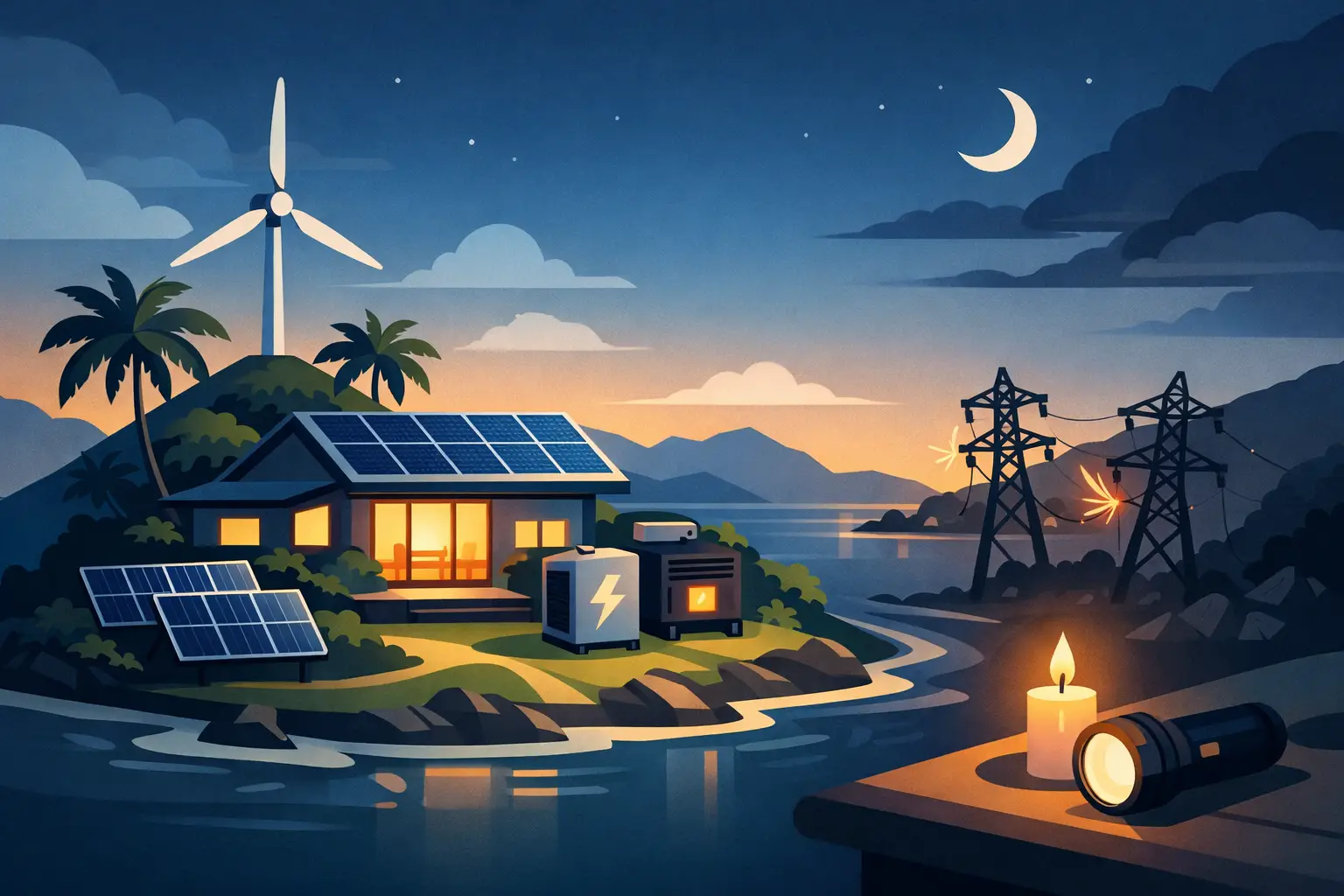
A power outage on an island is rarely a minor inconvenience. It can mean warm rooms, spoiled food, a silent water pump, lost internet, and no reliable way to charge the devices your family or business depends on. This island home energy resilience guide helps you build a practical backup plan that keeps essential loads running before, during, and after an outage.
The goal is not necessarily to power every appliance exactly as usual. It is to make deliberate choices: protect food, lights, communications, water, security, and medical needs first. With the right battery capacity, solar input, and storm plan, your home can remain functional while the grid is down.
Backup power works best when it is planned around priorities, not guesswork. Walk through your home and identify what must remain on for the first several hours and what would matter during a multi-day interruption.
For many island households, the essential group includes a refrigerator, a few LED lights, phone charging, Wi-Fi equipment, fans, a medical device if needed, and a water pump. Small businesses may add a point-of-sale device, security cameras, a router, or a small freezer. Air conditioning, electric water heaters, ovens, clothes dryers, and large central pumps can require far more power than a portable battery system is designed to provide.
Every backup decision comes down to two measurements. Watts describe how much power an appliance needs while it is running. Watt-hours describe how much energy it consumes over time. A 100-watt fan running for 10 hours uses roughly 1,000 watt-hours, or 1 kWh. A refrigerator does not draw its full rated wattage all day, but its compressor has a startup surge that your power station or inverter must be able to handle.
Make a simple list of each essential device, its running wattage, estimated daily runtime, and any startup surge. Manufacturer labels are useful, but a plug-in energy meter gives a clearer picture for standard wall-plug appliances. This short audit prevents the common mistake of buying a battery that looks large on paper but cannot support the loads that matter most.
The most dependable setups use layers. Each layer covers a different outage scenario, from a brief utility interruption to a prolonged post-storm recovery period.
A portable power station is often the fastest way to protect communications, lights, fans, laptops, and selected kitchen loads. It is quiet, produces no exhaust, and can be safely used indoors when operated according to its instructions. For apartment residents, renters, and homeowners who need flexible backup without a major installation, it can be the foundation of a resilience plan.
Capacity matters. A smaller unit may be right for phones, lighting, and a router. A larger system may support a refrigerator, chest freezer, CPAP machine, or a modest pump for limited periods. Look beyond capacity alone and check the continuous AC output, surge rating, number of outlets, charging speed, and battery chemistry. Lithium iron phosphate batteries are especially attractive for regular backup use because they typically offer long cycle life and stable performance.
A battery is stored energy. Solar is how you replenish it when an outage lasts longer than expected. In the Bahamas and other sunny coastal areas, portable solar panels can turn daytime sun into a meaningful advantage, particularly when fuel deliveries are delayed or gas stations are crowded.
Solar production is not guaranteed. Cloud cover, shade, panel orientation, and heat all affect output. Plan for less than the panel’s nameplate rating, especially during changing weather. A 400-watt portable array will not produce 400 watts every hour of every day, but it can significantly reduce how deeply you drain a battery while powering daytime loads.
Place panels where they receive direct sunlight and keep them clear of salt spray, standing water, and foot traffic. Do not leave portable panels deployed when high winds are expected. They should be packed away before storm conditions arrive, then set up again only when it is safe to go outside.
If your priority is keeping selected circuits running automatically, a home battery backup system may be the better fit. These systems can support designated lights, refrigeration, internet, outlets, and other essential circuits through an outage. They are especially useful for homes with frequent interruptions, vacation properties that need security coverage, and small businesses where lost refrigeration or connectivity quickly becomes expensive.
A home battery requires more planning than a portable unit. An electrician must evaluate your electrical panel, critical-load subpanel, transfer equipment, grounding, and local requirements. It costs more upfront, but it can provide a cleaner, more permanent solution than moving extension cords around during every outage.
Some homes need support for larger loads that batteries alone may not cover economically. A generator can fill that role, but it brings fuel storage, noise, maintenance, and carbon monoxide risks. It must always run outdoors, well away from doors, windows, and vents.
For many households, the practical balance is battery and solar for quiet daily essentials, with a properly installed generator reserved for high-demand loads or extended emergencies. The right mix depends on your budget, outage history, and whether your home depends on electric pumping or refrigeration for income.
A useful backup system should cover the loads you intend to run at the same time. Start with a conservative daily estimate, then add a margin for inverter losses, hotter conditions, and unexpected use.
| Essential load | Typical planning range | What to check | | — | —: | — | | Wi-Fi router and phone charging | 50-150 Wh per day | Keep a dedicated outlet available | | LED lights and fans | 300-1,500 Wh per day | Runtime changes with fan speed | | Refrigerator | 1,000-2,500 Wh per day | Confirm compressor surge power | | CPAP or medical device | Varies by model | Check manufacturer power requirements | | Small water pump | Varies widely | Startup surge can be substantial |
These ranges are planning tools, not promises. A modern efficient refrigerator may use much less than an older unit, while a pump with a high starting surge can demand a larger inverter than its running wattage suggests. If your plan includes a well pump, pressure pump, medical equipment, or sensitive business equipment, verify the specifications before purchasing.
It also helps to decide how long you want to operate independently. Four to eight hours may be enough for routine outages. One to two days gives more breathing room during a tropical system. Longer coverage requires more battery capacity, disciplined load management, dependable solar charging, or another charging source.
Island conditions are hard on energy equipment. Heat can reduce charging efficiency and speed battery aging. Humidity and salt-laden air can contribute to corrosion, particularly around connectors, exposed metal, and outdoor enclosures.
Store portable power stations in a dry, ventilated interior location, away from direct sun and high-heat spaces. Do not keep them in a closed vehicle, damp utility closet, or area prone to flooding. Keep connection ports covered when not in use, inspect cables for corrosion or damage, and clean panels with fresh water and a soft cloth when salt residue is present.
For fixed systems, ask about weather-rated enclosures, mounting hardware suited to coastal exposure, elevated installation where flooding is a concern, and proper cable management. A lower purchase price is not a saving if the equipment cannot handle the environment where it will operate.
The best time to test backup power is not when a storm warning has already been issued. Run a practice outage twice a year. Plug in the refrigerator, router, lights, and other chosen loads, then watch how quickly the battery drains. This reveals weak points while you still have time to adjust.
Before hurricane season, fully charge every power station, test solar cables and adapters, update device firmware if applicable, and confirm that each family member knows what the system can and cannot run. Store extension cords, power strips, flashlights, and charging cables together. For a home battery, review its operating mode so it is set to preserve enough reserve capacity for an outage.
When a storm is approaching, charge early rather than waiting for the first rain band. Bring portable solar panels indoors, secure loose equipment, and keep batteries dry and accessible. During the outage, reduce nonessential loads and use solar charging during the day whenever conditions are safe. Afterward, inspect equipment before reconnecting it, especially if there was flooding, physical damage, or water intrusion.
You do not need to solve your entire home’s power needs in one purchase. Start with the outage that causes the most harm. For some families, that means a portable power station for communications and a fan. For others, it means keeping food cold or ensuring a water pump can run. Add solar next, then expand battery capacity or move toward a critical-load home backup system as your needs and budget grow.
SOL242 focuses on solutions that make this progression practical for island households: equipment chosen for dependable backup power, solar recharging, and the demands of heat, humidity, and storm season. The strongest system is the one you understand, test regularly, and can rely on without hesitation when the lights go out.
Preparedness is not about predicting the next outage. It is about making sure an outage does not get to decide what your home can do.
As the shadow of Hurricane Helene still lingers, the storms of 2025 are already on the horizon. Hurricane Helene, a
The Bahamas: turquoise waters, sun-kissed beaches, gentle trade winds, and a relaxed pace of life. It’s one of the most

The Bahamas is blessed with sunshine almost all year round, making it one of the best places on earth to
All rights reserved sol1242.com © 2025


