
How to Prepare Your Home for the 2026 Hurricane Season
As the shadow of Hurricane Helene still lingers, the storms of 2025 are already on the horizon. Hurricane Helene, a

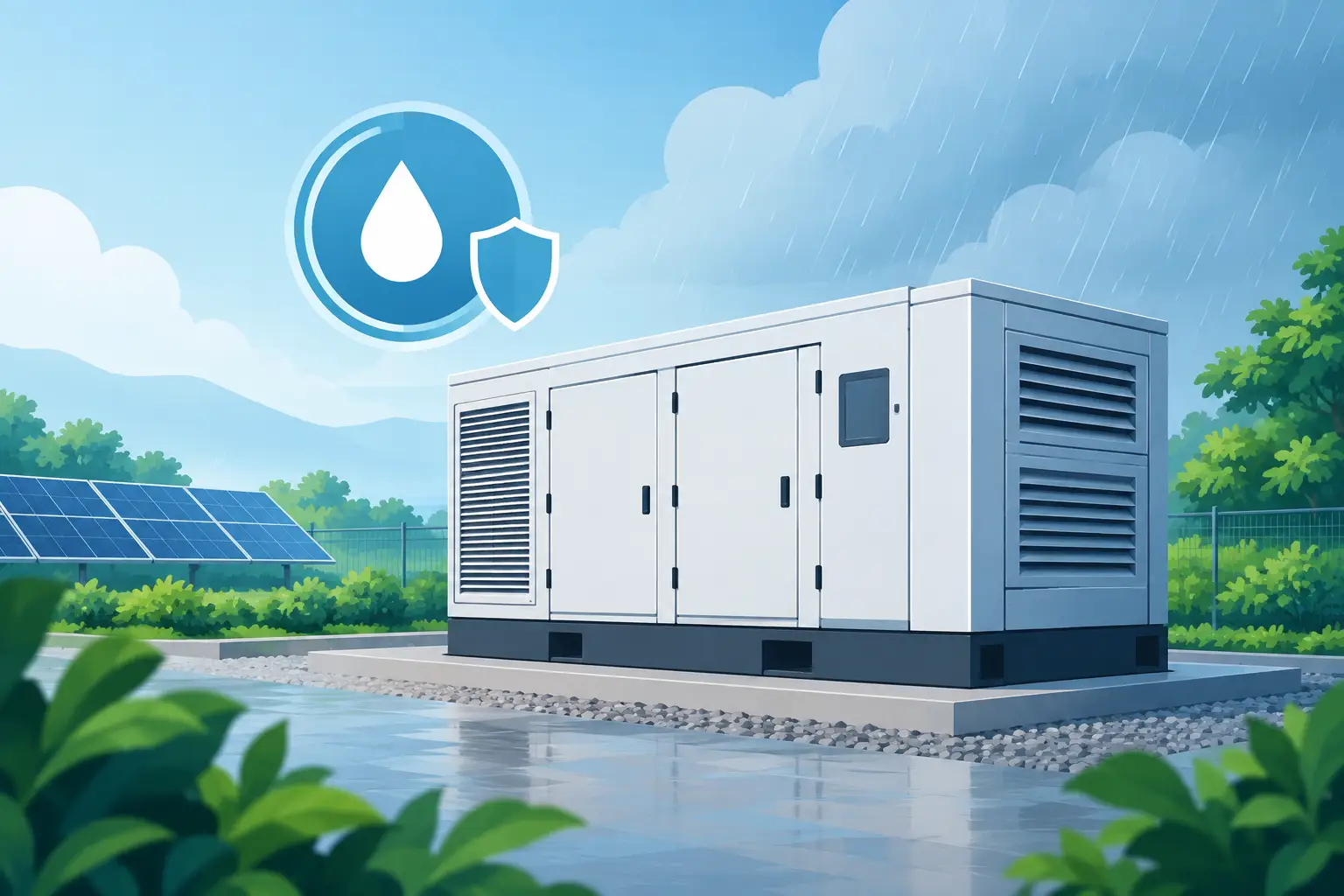
A power station can look fully charged on the shelf and still be the wrong choice for island conditions. A humidity resistant power station is not simply one that can run a fan or charge a phone near the beach. It is a portable battery system selected, stored, and used with moisture, heat, salt air, and sudden outages in mind.
For homes and businesses in the Bahamas and other coastal areas, that distinction matters. Hurricane season does not wait for ideal storage conditions. Neither do everyday power interruptions. The right backup power setup gives you practical options when the grid is down, but only if the equipment is protected from the same environment you are asking it to serve.
No portable power station is waterproof unless its manufacturer specifically says so. Humidity resistance is about reducing risk from damp air, condensation, and everyday exposure – not leaving a battery outside in rain or operating it in standing water.
A better station for humid climates typically has a well-built enclosure, protected connection points, quality internal components, and a battery management system that monitors temperature and charging behavior. These details help, but they do not eliminate the need for smart placement. Moisture can affect ports, metal contacts, cables, and internal electronics over time, especially where salt air is present.
Battery chemistry also deserves attention. Many modern portable power stations use lithium iron phosphate, often called LiFePO4. This chemistry is valued for long cycle life and thermal stability, making it a practical choice for frequent backup use. It is not a license to ignore the owner’s manual or operating temperature limits, but it is often better suited to a preparedness-focused setup than older battery designs.
The most reliable approach combines a quality power station with good habits. Think of humidity resistance as a system, not a label.
High humidity is only one part of the coastal challenge. Heat can reduce charging efficiency and add stress during heavy use. Salt-laden air can speed up corrosion on exposed metal. Rapid shifts between air-conditioned rooms and hot outdoor air can create condensation, even when it has not rained.
That is why a power station that works well in a dry garage in the mainland United States may need more care in a Bahamian utility room, marina office, or vacation property. The equipment may still perform very well, but its location and maintenance matter more.
Avoid storing a unit directly on a concrete floor, beside an open window, or under a leaking roof. Do not keep it in a sealed vehicle where heat can build quickly. A raised shelf in a dry, ventilated indoor area is usually the better choice. Leave clearance around the vents so the cooling system can do its job.
If the power station has been in a humid outdoor environment, let it dry and return to room temperature before connecting it to AC power or solar charging. This is especially sensible when you can see moisture near the ports or cable ends. Never force a plug into a damp connection.
Some equipment includes an IP rating, which describes resistance to solids and water. That can be useful, but it is easy to overread what the number means. Dust resistance and protection from splashing water are not the same as safe operation in heavy rain, surf spray, or flooding.
If a portable power station has no stated weather-protection rating, treat it as indoor equipment. Even if a product is described as durable or suitable for outdoor use, place it under cover on a dry, stable surface. Run extension cords to the devices you need rather than placing the battery where rain can reach it.
For storm preparedness, this simple choice prevents a common mistake: moving the power station outside to be closer to appliances, then exposing it to wind-driven rain when conditions worsen.
Humidity protection is only useful if the power station can support your essential equipment. Start with the devices you need during an outage, not every device you own. For many households, that means phones, a Wi-Fi router, lights, fans, a laptop, a small medical device, or a compact refrigerator.
Pay attention to two numbers: battery capacity, measured in watt-hours, and continuous output, measured in watts. Capacity tells you roughly how much stored energy is available. Output tells you what the station can run at one time. A station can have enough capacity for several hours of use but still be unable to start an appliance with a high surge demand.
A small unit may be ideal for communications, lighting, and a fan during a short outage. A larger unit is more appropriate for refrigerator backup, work equipment, multiple rooms, or a small business point-of-sale setup. For whole-home circuits, central air conditioning, or large well pumps, a portable power station alone may not be enough. That is where an expandable home battery system, professional installation, or a generator-supported plan may make more sense.
Be realistic about refrigerator runtime. Opening the door often, hot room temperatures, and an older compressor all increase energy use. During an outage, use the station for the loads that protect comfort, communication, food, and safety first.
Portable solar panels can turn a power station into a more durable outage solution. In sunny climates, recharging during the day can extend your available power far beyond the battery’s initial capacity. It is especially useful after a storm has passed and grid restoration is taking longer than expected.
However, solar charging adds cables, connectors, and outdoor equipment to manage. Place panels where they get direct sun and are secured against wind. Keep the power station itself indoors or under a genuinely dry covered area, using properly rated cables routed safely to the panels. Do not drape cables through puddles, pinch them in doors, or leave connectors sitting on wet ground.
Solar panels may tolerate outdoor conditions better than the battery unit, but always follow their stated weather guidance. Bring panels in before severe weather if it is safe to do so. A portable panel is not worth risking injury during high winds.
For a property that sees regular outages, test solar charging before hurricane season. Confirm that the panel, cable, input port, and charging settings all work together. The middle of an outage is the wrong time to discover that a connector is missing or a panel is shaded for most of the day.
A ready power station should be charged, accessible, and protected – not forgotten in a closet until the lights go out. Check the manufacturer’s recommended storage charge level, since long-term storage at 100% is not always ideal for every battery. For many units, maintaining a partial charge and checking it periodically supports better battery health.
Keep the original port covers in place when ports are not being used. Store charging cables in a dry container, and inspect them for discoloration, corrosion, cracked insulation, or bent connectors. In salty coastal environments, a quick visual check can prevent a frustrating failure later.
It also helps to run a short readiness test every few months. Power a lamp, charge a phone, connect a fan, and verify that the AC outlets, USB ports, and solar input behave as expected. If the unit has an app, keep its firmware current only when you have stable power and time to confirm the update completed correctly.
Do not use a damaged battery, swollen case, overheated cable, or corroded connection. Shut the system down and seek qualified support. Backup power should reduce stress during an emergency, not introduce an electrical hazard.
The best location for your power station is chosen on a calm day, not while shutters are going up. Identify a dry indoor charging area, a second location for use during an outage, and the specific devices that will connect first. Label the cables if several people may need to use the system.
For a small business, decide what keeps operations moving: a router, card reader, tablet, lights, security equipment, or a small fan for staff and customers. For a household, prioritize communication, refrigeration strategy, lighting, and any medical or accessibility needs. Those decisions make capacity planning much easier.
SOL242 focuses on backup power built around the realities of sun, storms, and island infrastructure. The right station is not necessarily the largest one. It is the one that can be kept dry, charged safely, and matched to the equipment you cannot afford to lose when the grid goes quiet.
Set up your power station now, keep it out of heat and moisture, and practice using it while conditions are normal. When the next outage arrives, that preparation can turn stored energy into real peace of mind.
As the shadow of Hurricane Helene still lingers, the storms of 2025 are already on the horizon. Hurricane Helene, a
The Bahamas: turquoise waters, sun-kissed beaches, gentle trade winds, and a relaxed pace of life. It’s one of the most

The Bahamas is blessed with sunshine almost all year round, making it one of the best places on earth to
All rights reserved sol1242.com © 2025


