
How to Prepare Your Home for the 2026 Hurricane Season
As the shadow of Hurricane Helene still lingers, the storms of 2025 are already on the horizon. Hurricane Helene, a

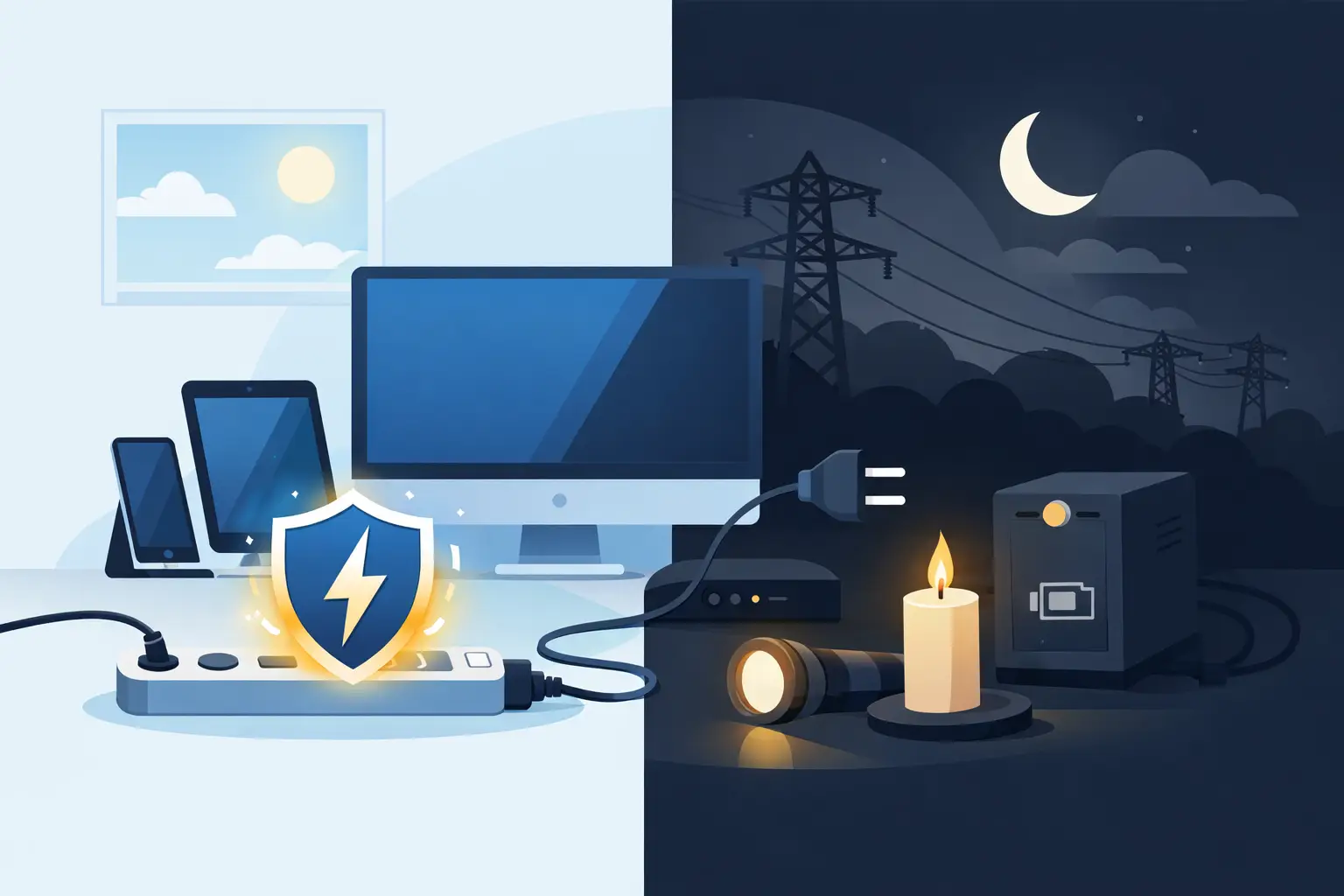
A blackout rarely damages electronics simply because the lights go out. The bigger threat often arrives when utility power drops, flickers, or returns with a voltage spike. To protect electronics during blackouts, your plan needs to cover both sides of the outage: keeping critical devices powered safely while the grid is down, and shielding them when power comes back.
For homes, rentals, and small businesses, that means more than plugging equipment into a power strip. The right mix of surge protection, battery backup, and safe operating habits can help preserve the devices you rely on most – from routers and phones to refrigerators, computers, security systems, and point-of-sale equipment.
When grid power fails, voltage can become unstable before it disappears. A brief brownout may cause lights to dim and equipment to restart repeatedly. When electricity is restored, a surge can travel through wiring and damage sensitive components, especially in modern electronics with small circuit boards and built-in power supplies.
The risk is higher after severe weather, utility repairs, or repeated outage cycles. In coastal areas, heat, humidity, salt air, and aging electrical connections can add another layer of stress. Your television may survive one event without issue, but repeated power irregularities can shorten the life of appliances and electronics over time.
Not every device needs the same level of protection. A lamp can wait. A modem, medical device, security camera, work computer, or refrigerated medication may need continuous power or a carefully planned shutdown.
A standard power strip only adds outlets. It does not necessarily defend connected equipment from a voltage spike. For computers, televisions, routers, chargers, and entertainment systems, use a quality surge protector with a clearly stated surge rating and indicator light showing that protection is active.
For more complete coverage, consider whole-home surge protection installed at the electrical panel by a qualified electrician. This can help reduce the impact of larger surges entering through your utility line, while plug-in surge protectors provide a second layer at sensitive devices. Neither option is a guarantee against every electrical event, but using both is far stronger than relying on one inexpensive strip behind the TV.
Surges do not only arrive through wall outlets. Cable, telephone, and Ethernet lines can also carry damaging voltage. If your network equipment is critical, choose protection designed for those connections or disconnect exposed cables when a major storm is approaching.
A battery backup gives electronics stable power when the grid cuts out. The best option depends on what you need to run and for how long.
An uninterruptible power supply, or UPS, is designed for devices that need immediate, automatic backup. It is a practical choice for desktop computers, routers, modems, security systems, and point-of-sale terminals. When the power fails, the UPS switches to its internal battery quickly enough to prevent most devices from rebooting.
For a computer, the goal is often not to work for hours. It is to save files, close programs properly, and shut down without corrupting data. For a router and modem, a UPS may keep internet and Wi-Fi running through a short outage, provided the local service network is still operating.
Check the UPS capacity in watts, not only VA. A unit may have enough outlets but still be too small for the equipment connected to it. Avoid plugging laser printers, space heaters, refrigerators, or other high-draw appliances into a typical computer UPS unless the manufacturer specifically approves it.
For longer blackouts, a portable power station offers more capacity and flexibility. These battery systems can power small electronics directly through AC outlets, USB ports, and DC outputs. They are useful for keeping phones charged, maintaining communications, running a laptop, supporting a router, or powering selected household essentials.
The key is matching capacity to the load. A 60-watt router and a 100-watt laptop use far less energy than a refrigerator or window air conditioner. Look at each device’s wattage label, then estimate the hours you need. A power station rated in watt-hours tells you how much stored energy is available, though actual runtime will be lower after conversion losses.
For example, a 1,000Wh power station will not usually deliver a full 1,000Wh of usable AC power. Still, it can provide meaningful runtime for communications and low-wattage electronics when used deliberately. Portable solar panels can extend that runtime during daylight, which is especially valuable when an outage lasts beyond one night.
The fastest way to overspend on backup power is trying to run everything. The smarter approach is deciding what must stay on first. In most homes, that includes communication, lighting, phones, a router, select medical equipment, and refrigeration. For a small business, it may include internet equipment, a payment terminal, security cameras, or a single work station.
Write down each priority device, its running watts, and the minimum hours it needs to operate. Then separate equipment into three groups: must run continuously, should run periodically, and can stay off until grid power returns. This simple exercise makes it easier to select the right battery backup system and prevents a fully charged station from being drained by nonessential loads.
If you need to support appliances through a dedicated home circuit, do not rely on extension cords and improvised connections. A properly sized home battery system, transfer equipment, and professional installation are the safer path. Never connect a generator or battery inverter directly to household wiring without an approved transfer switch. Backfeeding can injure utility workers, damage equipment, and create a serious fire hazard.
When an outage begins, unplug nonessential and sensitive electronics that are not on a surge protector or battery backup. This includes televisions, gaming consoles, desktop accessories, chargers, and small appliances. Leaving one light switched on is useful because it tells you when utility power has returned.
Once power is restored, wait a few minutes before reconnecting major equipment. This gives the electrical supply time to stabilize if the grid is cycling. Start with essential devices, then bring larger loads back gradually. If lights are flickering or voltage still seems unstable, keep equipment disconnected and contact your utility or electrician if the condition continues.
For refrigerators and freezers, avoid opening doors unnecessarily during the outage. When restarting, allow the appliance to operate normally rather than repeatedly switching it off and on. Electronics and appliances generally handle a single restart better than frequent interruptions.
Your power station, UPS, and solar equipment need care if they are expected to perform when conditions are difficult. Store batteries in a dry, ventilated indoor space away from direct sun, standing water, and extreme heat. Do not leave a portable power station in a hot vehicle, on a damp patio, or where salt spray can reach connectors.
Test backup equipment before you need it. Charge the battery, connect a realistic load, and confirm that your essential devices operate as expected. Review battery levels every few months and follow the manufacturer’s storage guidance, especially if the unit will sit unused outside storm season.
Portable solar panels should be inspected for cracked surfaces, damaged cables, or corroded connectors. During severe weather, secure them or bring them inside. Solar charging is valuable after a storm, but exposed panels are not meant to become loose debris in high winds.
A surge protector is a low-cost first defense. A UPS is ideal when brief power interruptions could disrupt work or communications. A portable power station gives you more runtime and can be recharged with solar. A home battery backup system is the better fit when your goal is to keep selected circuits operating automatically through extended outages.
There is no single setup for every property. A condominium owner may only need a UPS and compact battery station for communication and personal electronics. A family home may need solar charging and refrigeration backup. A business with customer transactions or security requirements may need dedicated battery capacity and professionally planned circuits.
Reliable power starts with deciding what cannot be allowed to fail. Put protection in place before the forecast turns serious, test it under normal conditions, and keep your most essential electronics connected to backup you can trust when the grid goes quiet.
As the shadow of Hurricane Helene still lingers, the storms of 2025 are already on the horizon. Hurricane Helene, a
The Bahamas: turquoise waters, sun-kissed beaches, gentle trade winds, and a relaxed pace of life. It’s one of the most

The Bahamas is blessed with sunshine almost all year round, making it one of the best places on earth to
All rights reserved sol1242.com © 2025


