
How to Prepare Your Home for the 2026 Hurricane Season
As the shadow of Hurricane Helene still lingers, the storms of 2025 are already on the horizon. Hurricane Helene, a

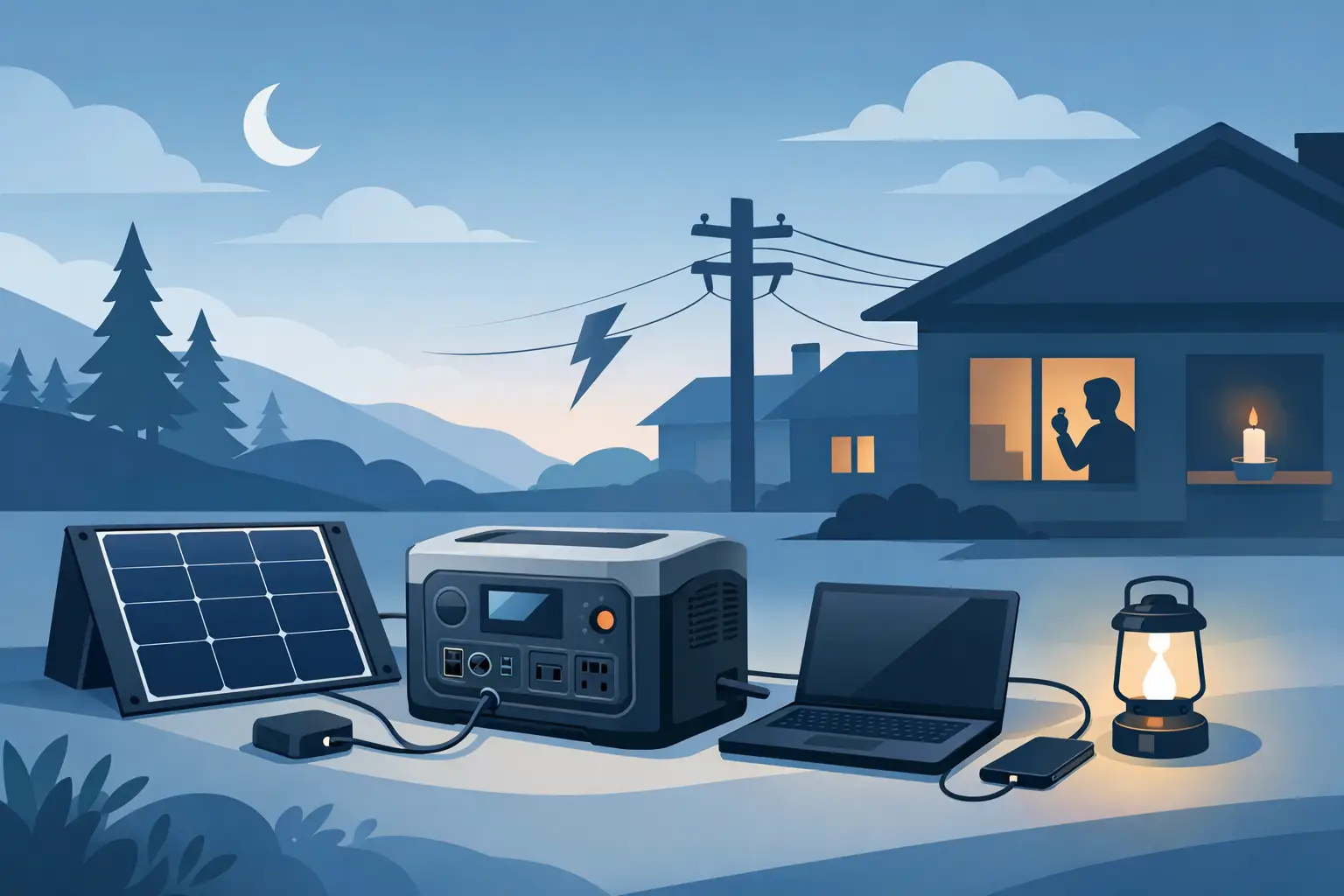
A power station is most useful when it is ready before the lights go out. This portable power station setup guide helps you prepare for outages without guessing which devices to run, where to place the unit, or how long your stored power will last. For homes and businesses facing hurricane season, unstable grid power, or remote work demands, a few decisions made now can protect comfort, communication, and daily operations later.
Portable power stations are built for targeted backup power, not for running an entire home indefinitely. The right setup begins by identifying the equipment you cannot afford to lose during an outage. For many households, that means phones, lights, a modem and router, a refrigerator, fans, medical equipment, and a small TV or radio for updates.
Small business owners may prioritize a point-of-sale system, internet equipment, security cameras, lights, and a laptop. Property managers may need communication devices, gate controls, or limited lighting in shared areas. Write down each essential device and check its power label or charger for wattage. This gives you a realistic picture of the power station capacity you need.
Watts measure the power a device uses while running. Watt-hours measure stored energy. A 1,000Wh portable power station can theoretically run a 100W load for about 10 hours, but real-world runtime is lower because of inverter losses, battery management, and changing device loads. Plan with a margin instead of expecting the maximum number printed on a box.
High-wattage appliances demand special attention. Microwaves, electric kettles, hot plates, space heaters, hair dryers, washing machines, and conventional air conditioners can drain a battery quickly or exceed the station’s output rating. A portable station is generally better used to preserve essentials than to power heat-producing appliances.
Set up your portable power station indoors in a dry, stable, well-ventilated location. Keep it off the floor where possible, away from open windows, leaking roofs, standing water, and direct sunlight. In coastal climates, salt air and humidity are reasons to be especially deliberate about storage. Keep cable connections clean and dry, and avoid leaving the unit in a hot vehicle or unventilated shed.
Unlike a fuel generator, a battery power station does not produce carbon monoxide during use. That makes it appropriate for indoor backup power. However, it still needs airflow and clear space around its vents. Do not cover it with towels, store it in a sealed cabinet while operating, or place heavy items on top of it.
Choose a location close enough to your essential devices to avoid a tangle of extension cords. If you need an extension cord, use one rated for the load you plan to run and inspect it for damage first. Keep cords out of walkways, doorways, and wet areas.
A power station that sits at a low charge is not storm-ready. Fully charge it when you receive it, then check the display to confirm the battery percentage, input settings, and output ports are working properly. Run a short test with a lamp, phone charger, router, or fan so you know how the controls work before you need them under pressure.
Most units can be charged from a wall outlet, a vehicle outlet, solar panels, or a combination of sources depending on the model. Wall charging is usually the fastest and most predictable option before a storm. Solar charging adds valuable independence after the grid goes down, especially during extended outages.
Battery storage guidance varies by manufacturer. If your station will sit unused for months, do not simply forget it in a closet. Check the recommended storage charge level in the manual and inspect the unit periodically. Many battery systems hold charge well, but every stored battery needs occasional attention to remain ready.
Portable solar panels can extend backup time dramatically, but their output changes with weather, panel angle, shade, heat, and cloud cover. Place panels in direct sun, keep them clear of shadows from railings or trees, and position them toward the strongest available sunlight. Even partial shade can significantly reduce charging performance.
Set panels outside only when conditions are safe. Bring them in before severe winds arrive. A portable panel is not something to leave unsecured during hurricane conditions. After the storm passes, inspect the panels, cables, and connectors for water, cracks, or debris before using them again.
Use the charging cable and connector type specified for your power station. Do not force mismatched plugs or improvise with damaged adapters. A compatible solar setup gives you a dependable way to recharge during the day while reserving stored battery power for night.
When an outage starts, connect only the devices on your priority list. Turn on the power station, then plug in lower-demand essentials first. Check the display for total output wattage and estimated runtime. Add devices gradually rather than plugging everything in at once.
For many setups, USB ports are the most efficient choice for phones, tablets, rechargeable lights, and other small electronics. Use DC outputs when your equipment supports them. Reserve AC outlets for devices that require standard wall power, such as a modem, fan, refrigerator, or laptop charger. Every conversion from battery power to AC power uses some energy, so matching the outlet to the device can preserve runtime.
Refrigerators deserve a practical approach. Do not open the door repeatedly, and do not assume the unit must run continuously. Let the power station run the refrigerator for a period, then cycle it off if food is already cold and the door stays closed. The right cycle depends on the refrigerator, room temperature, food load, and battery capacity. Monitor the station’s output and adjust based on actual consumption.
Avoid connecting a portable power station directly to your home’s electrical panel unless a licensed electrician has installed a proper transfer switch or power inlet designed for battery backup. Never backfeed power through a wall outlet. This can damage equipment and create a serious hazard for utility workers and your property.
The first few hours of an outage are not the time to learn that a decorative light, entertainment device, or unused charger has been quietly consuming valuable power. Turn off unused outputs and unplug devices once charged. Reduce screen brightness, use LED lights, and charge phones during daylight if solar power is available.
A simple load plan can make a moderate-size power station feel much more capable. Keep communication and food preservation at the top of the list. Run convenience loads only after you understand how quickly your essential equipment is drawing down the battery.
If the station supports pass-through charging, verify how that feature works for your model before relying on it. Some units can charge from solar or AC while powering devices, while others may limit output or operate less efficiently under certain conditions. The manual should always take priority over assumptions.
Storm preparedness is stronger when it becomes routine. At the start of hurricane season, inspect your station, charging cable, solar panel leads, extension cords, and adapters. Confirm that every person responsible for the home or property knows where the equipment is stored and how to turn it on.
Keep these items together in a dry, easy-to-reach location:
SOL242 customers should choose capacity and solar input based on the essential loads they expect to protect, not on an oversized promise of whole-home power from a single portable unit. A properly matched system can provide meaningful security when grid power is unavailable.
Your setup does not need to be complicated to be dependable. Charge the station, test the devices that matter, secure a solar recharging plan, and keep your power priorities clear. When the next outage arrives, that preparation gives your household or business a calmer, more capable response.
As the shadow of Hurricane Helene still lingers, the storms of 2025 are already on the horizon. Hurricane Helene, a
The Bahamas: turquoise waters, sun-kissed beaches, gentle trade winds, and a relaxed pace of life. It’s one of the most

The Bahamas is blessed with sunshine almost all year round, making it one of the best places on earth to
All rights reserved sol1242.com © 2025


