

How to Size Home Battery Backup Right
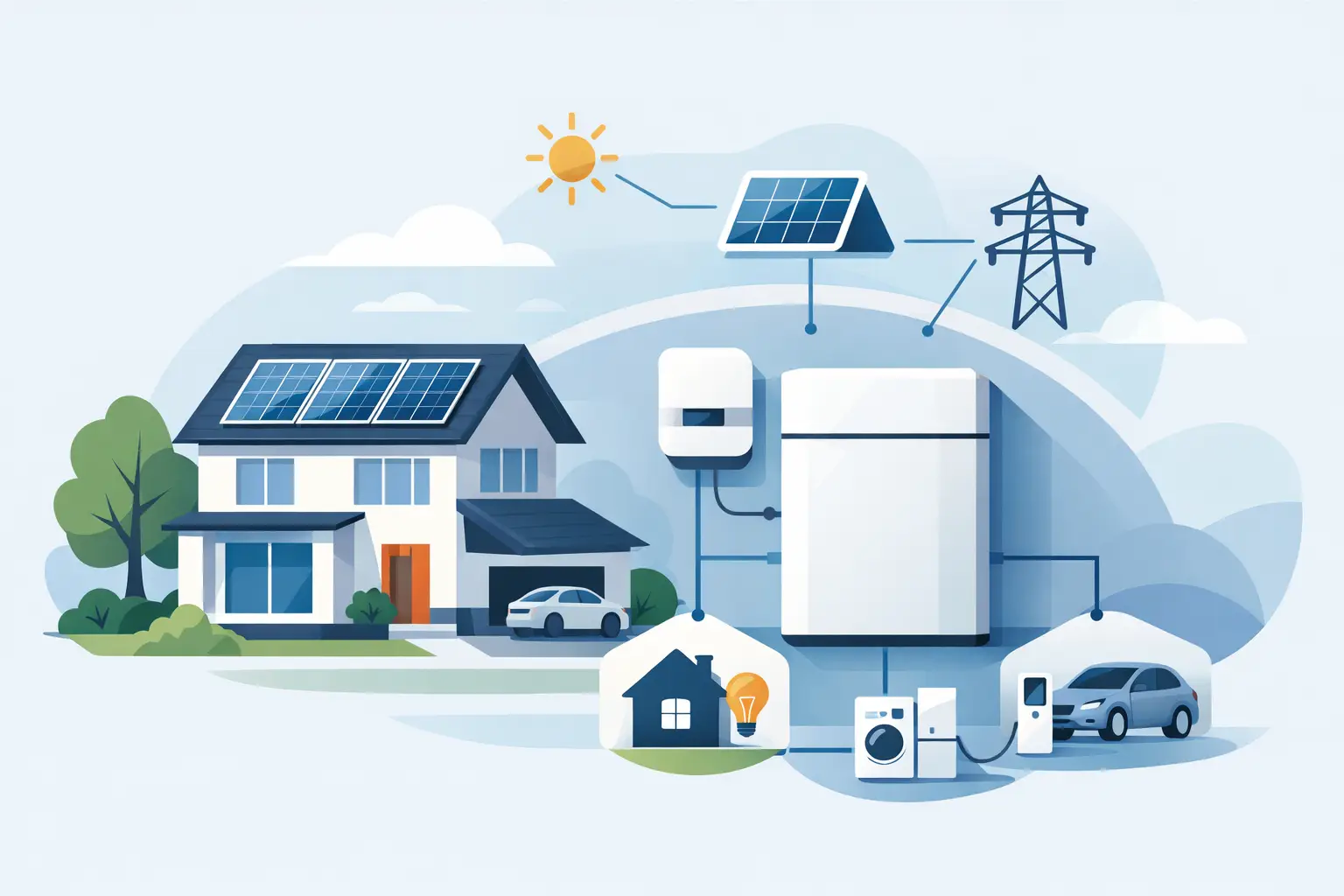
When the power drops at 2 a.m. and the fridge, Wi-Fi, lights, and phone chargers all matter at once, guessing is expensive. If you are figuring out how to size home battery backup, the goal is simple: keep the essentials running for the time you actually need, without overpaying for capacity you will never use.
For most homeowners, battery sizing goes wrong in one of two ways. They either buy too small and discover during the first outage that the system cannot handle real-life demand, or they buy far more than necessary because every appliance got added to the wish list. A better approach is to size around your priorities, your outage pattern, and the way your home actually uses power.
How to size home battery backup without guessing
Start with three numbers: what you need to power, how many watts those items use, and how long you want them to run. That is the foundation. Everything else – inverter size, battery capacity, solar recharge, and expansion – comes after that.
Think of battery backup as two separate jobs. First, it must supply enough power at one time to start and run your devices. Second, it must store enough energy to keep them going for the length of the outage. Those are related, but they are not the same thing.
Power is measured in watts. Energy storage is measured in watt-hours or kilowatt-hours. If your essentials draw 1,000 watts and you want them for 10 hours, you need about 10,000 watt-hours, or 10 kWh, before losses and reserve margins are considered.
Step 1: Decide what really needs backup
The cleanest way to size a system is to split your loads into tiers. Your first tier is non-negotiable essentials. That usually means refrigerator, freezer, a few lights, internet equipment, phones, medical devices, fans, and maybe a small TV or laptop setup. Your second tier is comfort loads like a microwave, coffee maker, or extra lighting. Your third tier is heavy equipment such as central air conditioning, electric water heaters, clothes dryers, or pool pumps.
This matters because not every outage requires whole-home backup. In the Bahamas and coastal parts of the US, many households are really planning for storm outages and grid interruptions, not trying to live exactly as usual for days. A battery system sized for essentials is often much more affordable and much more practical than one sized for every circuit in the house.
If you are protecting a small business, rental property, or vacation home, the same rule applies. Focus first on what prevents spoilage, communication loss, security issues, or tenant disruption.
Step 2: Add up your running watts
Now look at the appliances and devices you want to support. You can find wattage on the label, in the manual, or by measuring actual use with a plug-in power meter for smaller devices. For larger household circuits, an electrician or energy monitor can help you get a more realistic number.
Here is where people often underestimate. A refrigerator may average low power over a day, but it cycles on and off. Wi-Fi gear is small, but it runs nonstop. Fans are usually manageable. Air conditioners are where sizing jumps fast.
A typical essentials setup might look something like this in real use: a fridge at 150 to 300 running watts, internet and modem at 20 to 40 watts, LED lighting at 50 to 150 watts total, fans at 50 to 100 watts each, phone charging at very little, and a TV or laptop adding another 50 to 150 watts. That can put a basic outage load somewhere around 500 to 1,200 running watts depending on the home.
If you want to power a window AC, full-size kitchen appliances, or pump equipment, the number climbs quickly. That does not mean you should avoid those loads. It means they need to be planned deliberately.
Step 3: Check surge power, not just running power
Some appliances need extra power for a few seconds when they start. This is called surge or startup wattage. Refrigerators, freezers, pumps, and air conditioners are common examples.
This is where inverter sizing becomes critical. Your battery may have enough stored energy to run the appliance for hours, but if the inverter cannot handle the startup surge, the appliance may not start at all. A system built for island backup should be able to handle those real-world spikes, especially when storm season puts refrigeration and water access at the top of the priority list.
As a simple rule, make sure your inverter can support the total running watt load plus the highest startup demand you expect at one time. If the fridge and a pump may kick on together, plan for that. If you can stagger some loads manually, you may be able to size more efficiently.
Step 4: Calculate how many hours of backup you need
This is the part that turns a basic power station into a serious backup plan. Ask yourself how long outages usually last where you live and what level of disruption you can tolerate.
If your goal is to ride through short outages of a few hours, a smaller system may be enough. If you want overnight coverage or multi-day resilience after a storm, you need much more stored energy, and ideally a way to recharge from solar.
Take your total running load and multiply it by the number of hours you want. If your critical loads average 800 watts and you want 12 hours of backup, that is 9,600 watt-hours or 9.6 kWh. Then add extra capacity for inverter losses, battery reserve, and usage spikes. In practice, many homeowners add 15 to 25 percent as a buffer so the system is not running at the edge.
That same example would suggest aiming closer to 11 to 12 kWh of usable battery capacity. If you expect hotter conditions, heavier fan use, or less disciplined energy use during outages, leaning toward the higher end is smart.
How to size home battery backup for storm outages
Storm planning changes the math a little. You are not just covering one evening without power. You may be preparing for uncertain restoration times, limited fuel access, and hotter indoor conditions.
In that case, prioritize longer runtime over trying to support every heavy appliance. A battery system that keeps refrigeration, communication, lighting, fans, and device charging running for a day or more is often more valuable than a smaller whole-home setup that drains quickly under larger loads.
If you pair the battery with portable or rooftop solar, you can reduce the amount of storage you need upfront because you can recharge during daylight hours. That said, solar production during storm periods can be inconsistent. It helps most after the weather clears, not always during the worst of it. So your battery should still be able to carry the critical overnight load on its own.
Step 5: Decide between essentials backup and whole-home backup
This is less about ideology and more about budget and expectations. Essentials backup is usually the best fit for households that want dependable protection without rebuilding the entire electrical system. Whole-home backup makes sense when you have larger budgets, larger energy use, or business-critical equipment that cannot go down.
For many homes, the sweet spot is a partial-home system. You back up key circuits and leave out the biggest power hogs unless there is a clear reason to include them. That gives you meaningful resilience with a more manageable system size.
If central AC is a must, your battery requirement can jump from modest to very large. The same goes for electric water heating and large cooking loads. There is nothing wrong with that, but it changes the project from basic backup to high-capacity home energy storage.
Step 6: Leave room to grow
A good battery backup system should match today’s needs and still make sense a year from now. Maybe you add another freezer, work from home more often, or want longer runtime during hurricane season. Choosing an expandable system can save money and stress later.
This is especially helpful for homeowners who want to start with a strong core setup and build out over time. A modular battery approach or a system that can accept added solar later gives you flexibility without forcing a huge first purchase.
It is also worth thinking about environmental conditions. Heat, humidity, and salt air are hard on equipment. For coastal and island properties, durability is not a bonus feature. It is part of proper sizing, because a system that looks good on paper but struggles in harsh conditions is not really sized for the job.
Common sizing mistakes to avoid
The biggest mistake is using nameplate numbers without considering actual usage patterns. The second is ignoring surge loads. The third is forgetting recharge. If your outage risk includes multi-day interruptions, battery capacity alone is only part of the answer.
Another common issue is planning around comfort instead of continuity. During an outage, what matters most is food preservation, communication, airflow, lighting, and any medical or security needs. Once those are covered, then you can decide how much extra convenience is worth the additional battery cost.
If you are between two sizes, the better choice usually depends on outage frequency. In areas with occasional short interruptions, smaller may be fine. In places where storms and long outages are part of life, more reserve capacity usually pays for itself in peace of mind.
The best battery backup system is not the biggest one. It is the one that keeps your home functional when the grid does not. Size for the loads that protect your household first, give yourself a margin for real conditions, and build a setup you can count on when power is not optional.


