Posted on — Leave a comment

Home Blackout Backup System Example for Storms
Home Blackout Backup System Example for Storms

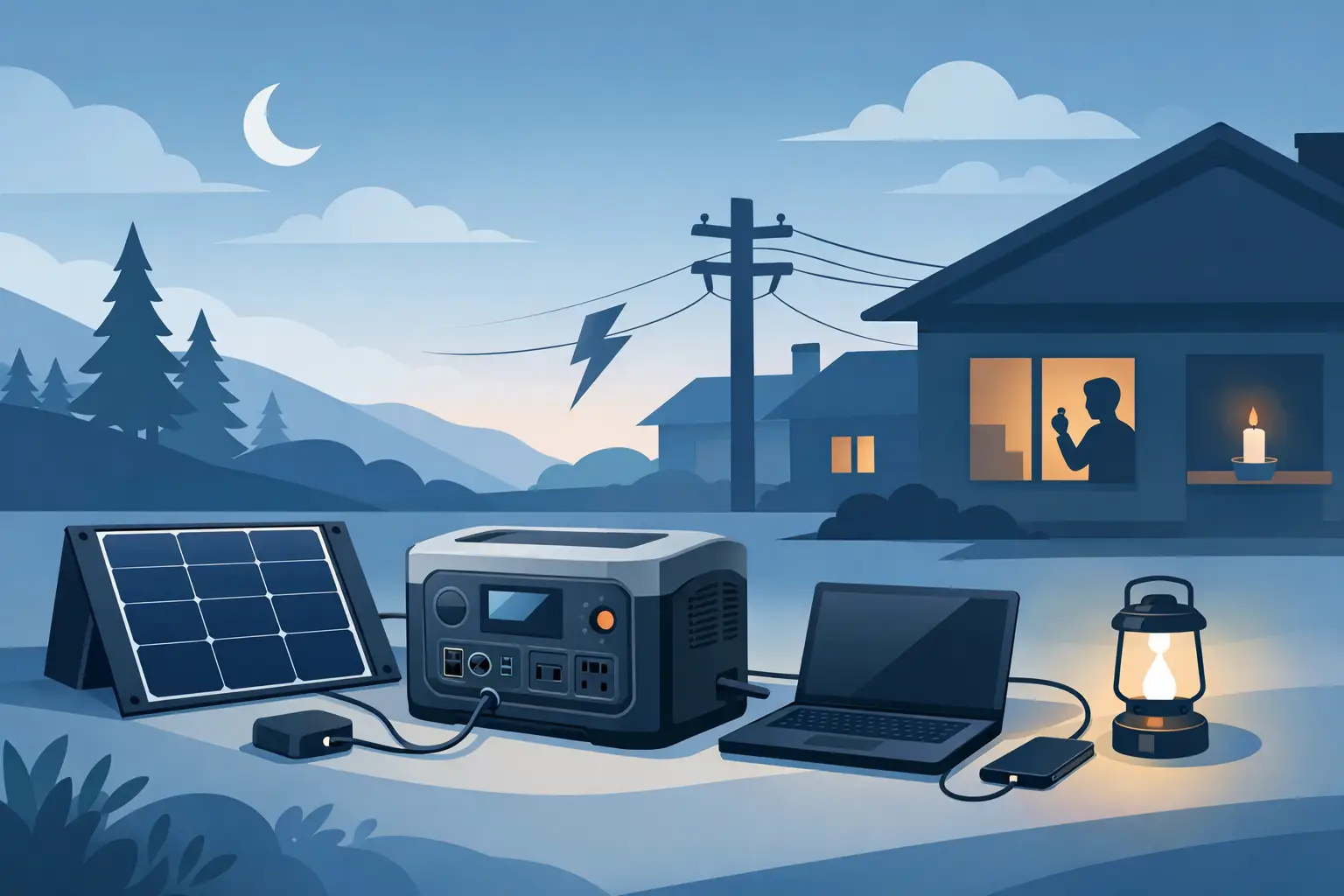
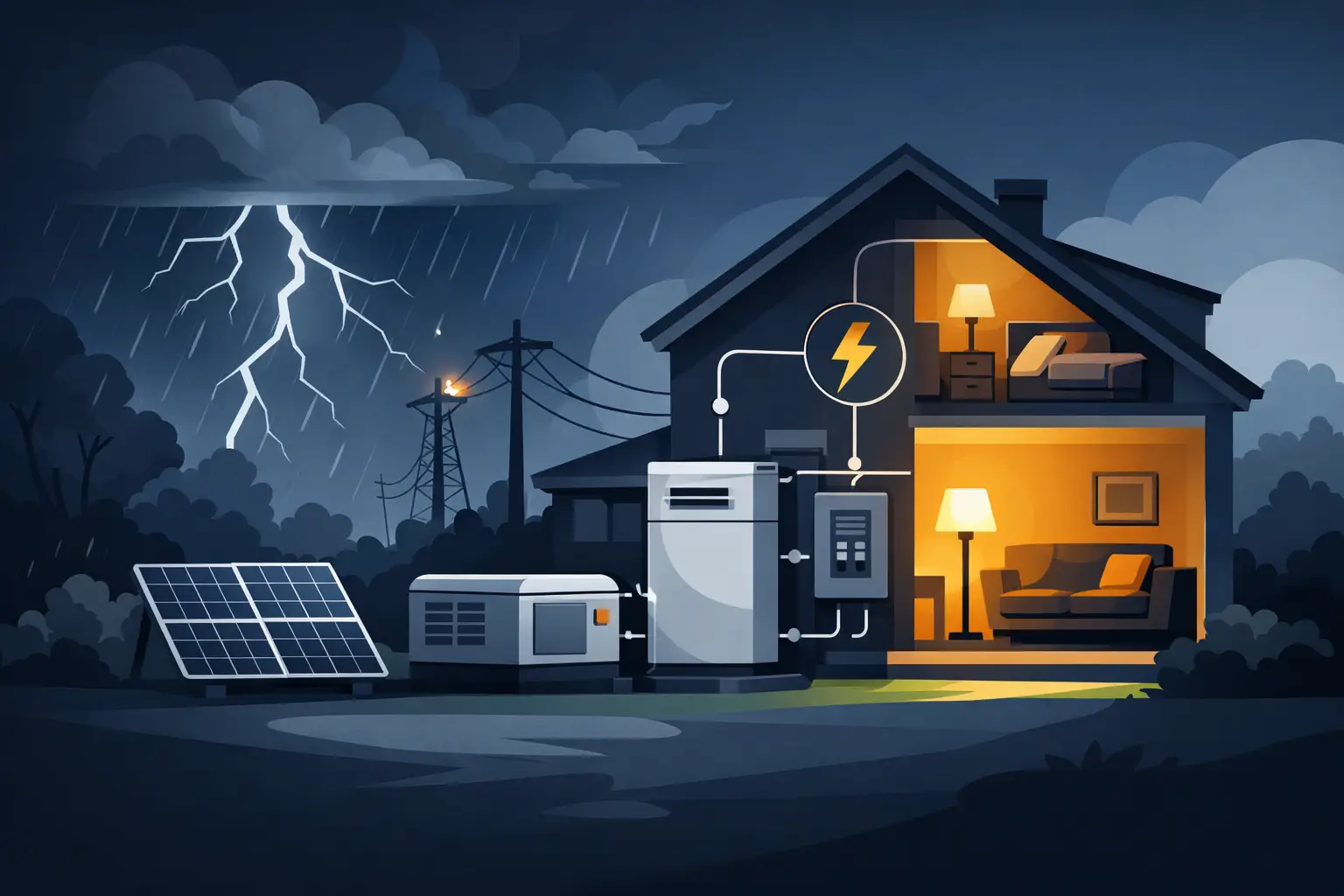
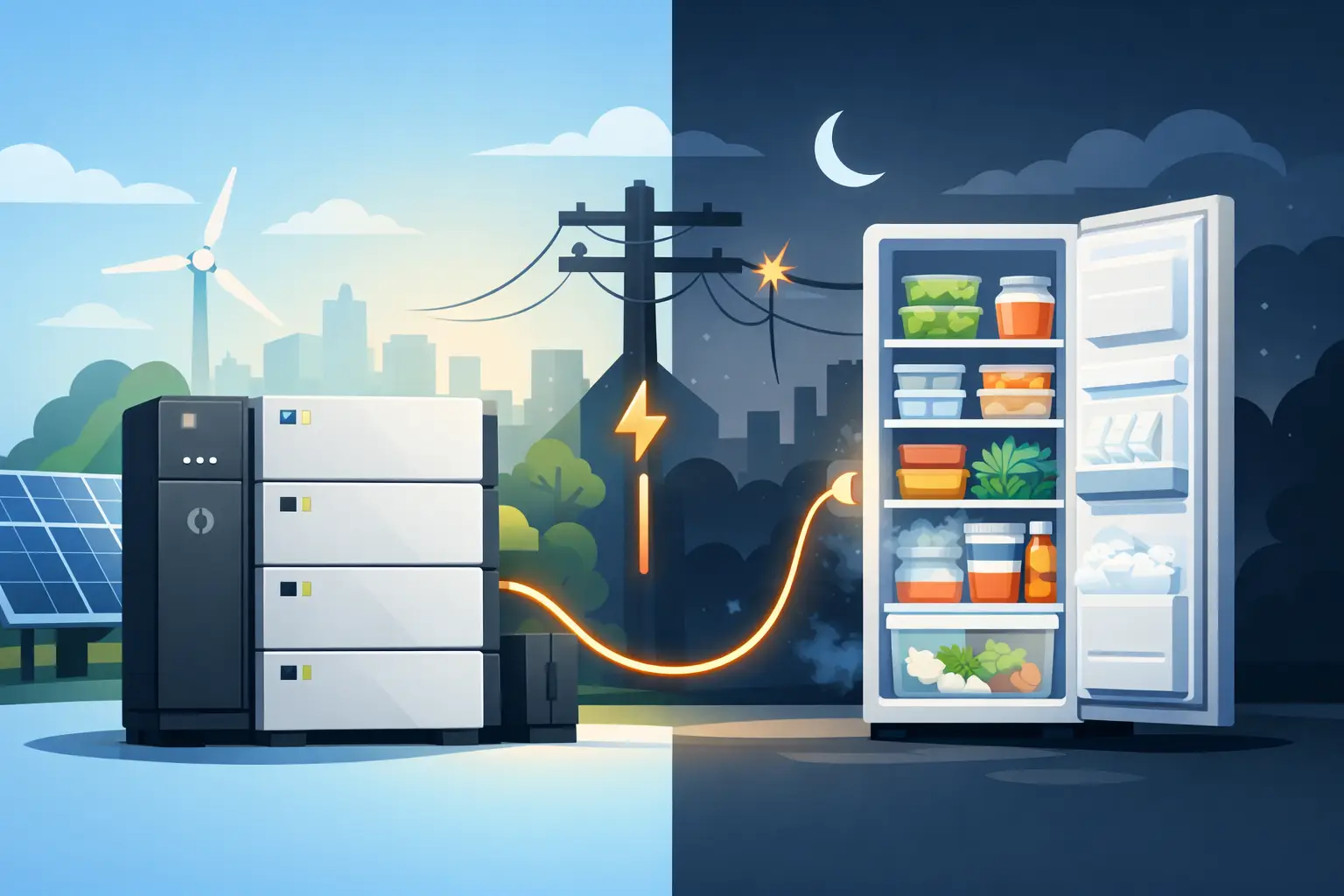
A blackout does not have to mean losing everything at once. With the right plan, your household can keep lights on, food cold, phones charged, and critical equipment running without trying to power the entire property. This home blackout backup system example shows what a practical setup can look like for hurricane season, grid failures, and everyday outages.

The goal is not to recreate normal utility power at any cost. It is to protect the loads that matter most, use stored energy wisely, and have a reliable way to recharge when the outage lasts longer than expected.

A practical home blackout backup system example

Consider a three-bedroom home with two adults, two children, and a small home office. The homeowner wants coverage for the refrigerator, internet, lights, phones, fans, a TV, and a few medical or work essentials. They do not expect the battery system to run central air conditioning, an electric range, clothes dryer, or whole-home water heater during an outage.

A sensible backup setup could include a 3,000-watt portable power station with roughly 3,000 watt-hours of battery capacity, paired with 400 to 800 watts of portable solar panels. During an outage, the power station is connected to selected devices directly or through a properly installed transfer solution for designated circuits.

That system might support these essential loads:

  • A modern refrigerator using about 1,200 to 1,800 watt-hours per day
  • Wi-Fi modem and router using roughly 200 to 350 watt-hours per day
  • LED lights, phone charging, and small electronics using 300 to 600 watt-hours per day
  • Two efficient fans using 400 to 800 watt-hours per day
  • A television, laptop, or work monitor using 300 to 700 watt-hours per day

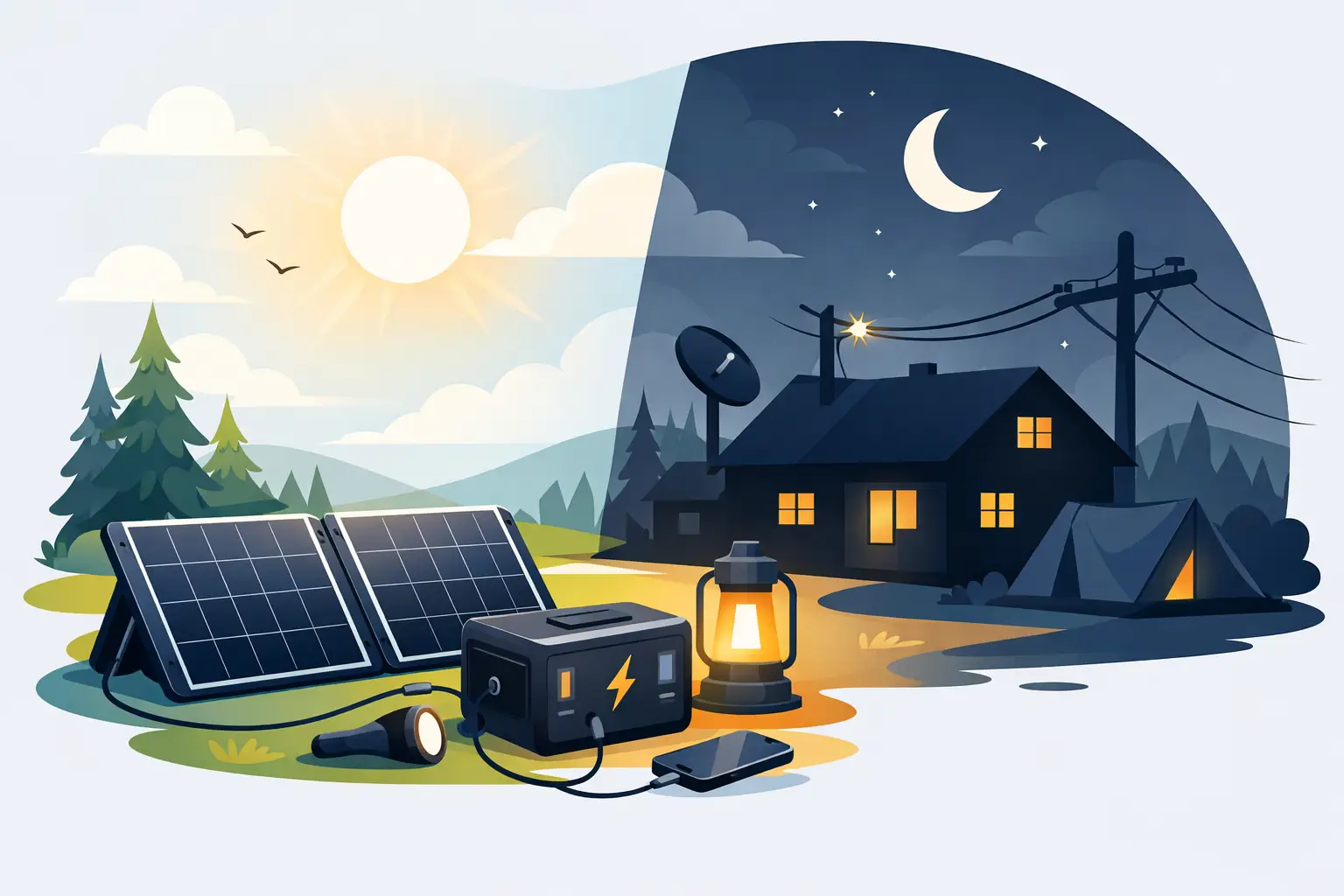
The daily total may land between 2,500 and 4,000 watt-hours, depending on habits and appliance efficiency. A 3,000 watt-hour battery can cover a shorter outage or an overnight period, while solar panels can restore a meaningful portion of that energy during daylight. If sunshine is strong and power use is disciplined, the household can extend its backup time substantially.

Start with essential loads, not every appliance

The fastest way to overspend on a backup system is to size it around everything in the home. Air conditioners, electric stoves, dryers, pool pumps, and water heaters use large amounts of power. Running them from batteries is possible, but it requires a much larger battery bank, higher inverter capacity, more solar input, and a bigger budget.

For most homeowners, the first layer of blackout protection should focus on preserving comfort, communication, food, and safety. Keep the refrigerator cold. Run a fan at night. Charge phones and radios. Maintain internet access when service is available. Power a CPAP machine, medical device, security system, or laptop when needed.

This approach matters especially in the Bahamas and other coastal locations where outages may follow severe weather. After a storm, stored energy becomes more valuable when it is not being drained by high-demand appliances that can wait.

What can a 3,000-watt power station handle?

A 3,000-watt inverter has enough output for many household essentials, but wattage capacity and battery capacity are different. The inverter rating tells you how much power can be supplied at one time. Battery watt-hours tell you how long the system can supply it.

For example, a refrigerator might draw 150 watts while running but require a higher surge when its compressor starts. Add a 60-watt fan, 20 watts of lights, 25 watts of internet equipment, and a laptop, and the system may only be supplying a few hundred watts most of the time. That is manageable for a quality 3,000-watt station.

However, plugging in a 1,500-watt kettle, microwave, toaster oven, or hair dryer changes the picture quickly. These devices can be used occasionally, but each one can consume a large share of stored power. During a prolonged blackout, treat high-heat appliances as short-use tools rather than everyday conveniences.

When a larger home battery system makes sense

A portable power station is a strong starting point for apartments, condos, renters, smaller homes, and customers who want flexible backup without major electrical work. It can also be moved where power is needed most, whether that is the kitchen, bedroom, office, or a small business location.

A permanently installed home battery backup system is usually the better fit when you need selected circuits to switch over automatically, want longer runtime, or have more critical loads. A larger battery bank can support multiple refrigerators, dedicated lighting circuits, a well pump, security equipment, office devices, and certain efficient air conditioning systems, depending on the design.

For a home that needs two to three days of essential-load coverage with limited solar production, a battery capacity in the 10 to 20 kilowatt-hour range may be more appropriate. This is not a universal rule. A home with a chest freezer, medical equipment, multiple refrigerators, or a sump pump may need more. A small household that mainly needs lights, communications, fans, and one refrigerator may need less.

The right question is not, “What is the biggest system available?” It is, “What must stay on, for how long, and what will recharge the battery?”

Solar recharge turns backup into resilience

Battery capacity gets you through the first hours of an outage. Solar recharge helps you continue when the outage lasts into the next day.

In the example above, 400 watts of solar may produce around 1,200 to 2,000 watt-hours on a good sunny day after normal charging losses and changing weather conditions. Increasing to 800 watts can provide more recovery room, particularly when the refrigerator, fans, and communications equipment run continuously.

Solar output is never guaranteed. Cloud cover, panel angle, shade, heat, and damage after a storm can reduce production. That is why a backup plan should not depend on perfect conditions. Start with adequate battery storage, then use solar to extend runtime and reduce dependence on fuel or the grid.

Portable panels offer flexibility. They can be positioned for sun, stored indoors before severe weather, and deployed after conditions are safe. For permanent systems, professionally mounted panels and properly protected electrical equipment may offer higher daily production and a more hands-off experience.

Build your system around realistic outage habits

A well-sized system can still run down quickly if the household uses power as though the grid never failed. The best blackout plan includes a few practical rules.

Keep refrigerator and freezer doors closed as much as possible. Run fans in occupied rooms instead of every room. Charge phones and battery banks during the day when solar production is strongest. Use LED lanterns and task lighting rather than lighting the entire home. If cooking requires electricity, choose short, planned uses instead of leaving power-hungry appliances connected all day.

It also helps to test the system before hurricane season. Plug in the refrigerator, internet equipment, lights, and fans you expect to run. Watch the power station display over several hours. This reveals your real energy use and highlights issues such as extension-cord needs, overloaded circuits, or an appliance with a larger startup surge than expected.

For installed systems, have a qualified electrician confirm which circuits are backed up and how the transfer equipment operates. Never attempt to feed a portable generator or power station into household wiring without the correct equipment. Improper connections can endanger utility workers, damage appliances, and create a fire risk.

Choosing the right backup level

A compact power station may be enough if your priority is communications, lights, fans, and charging. A mid-size solar generator can add refrigerator coverage and longer comfort during overnight outages. A larger portable or installed battery system is better for households that need multiple essential circuits, extended runtime, or support for work and medical equipment.

SOL242 focuses on backup solutions that make sense for island conditions: equipment that can be stored securely, deployed when needed, and supported by solar when grid restoration takes time. The best system is one you will keep charged, understand how to use, and trust when the weather turns.

Before buying, make a simple written list of your must-run devices and their wattage. Separate needs from conveniences. Then choose enough battery capacity for the first night and enough solar input to make the next day easier. A blackout plan becomes far more dependable when every watt has a purpose.
Posted on — Leave a comment

How to Protect Solar Batteries From Humidity

How to Protect Solar Batteries From Humidity

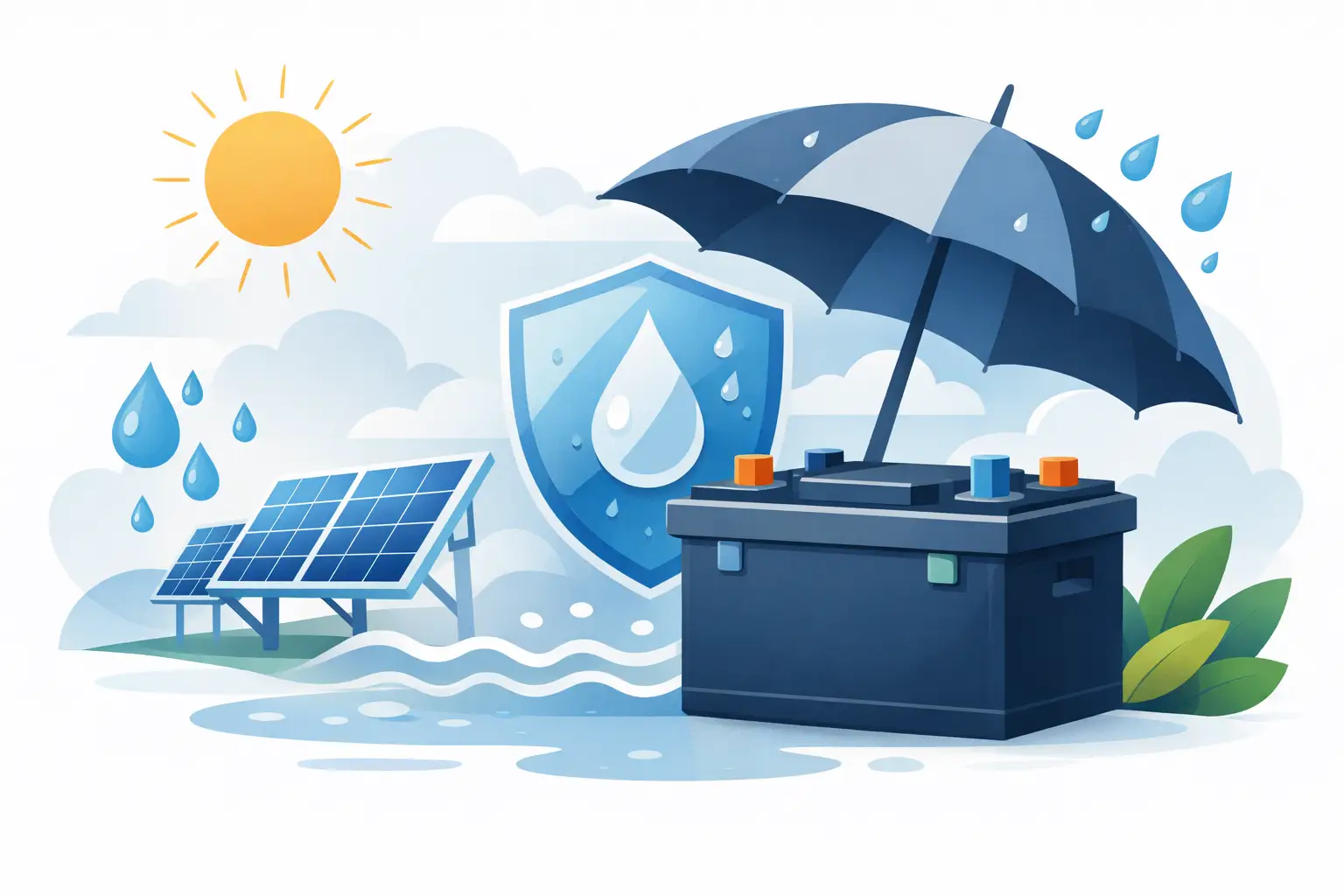
A solar battery can be protected from rain and still fail early because humid air finds its way into the wrong space. To protect solar batteries from humidity, homeowners need more than a weatherproof box. They need the right installation location, controlled airflow, dry electrical connections, and a plan for the wettest days of hurricane season.

For homes, rentals, and small businesses that depend on backup power, this work protects more than equipment. It helps ensure your battery is ready when the grid goes down, food needs to stay cold, a pump needs to run, or communications matter most.

Why Humidity Is a Backup-Power Problem

High humidity does not usually damage a quality battery in one dramatic moment. The trouble is cumulative. Moist air can cause condensation on terminals, cable lugs, breakers, and monitoring equipment. Over time, that moisture can lead to corrosion, poor connections, nuisance faults, and reduced system reliability.

Coastal conditions add another concern: salt in the air. Salt residue attracts moisture and can accelerate corrosion on exposed metal components. A battery may be indoors, but if the room is poorly sealed, unconditioned, or exposed to sea air through open louvers and windows, its electrical connections can still be at risk.

Heat makes the situation harder. Warm, humid air entering a cooler enclosure can form condensation when temperatures shift overnight or after air conditioning cycles. That means a fully sealed cabinet is not always the answer. The goal is to keep direct water and salt spray out while preventing trapped moisture from building up inside.

Battery chemistry and product design matter, too. Many lithium iron phosphate battery systems are well suited to backup power because of their long cycle life and stable chemistry, but they still require the installation conditions specified by the manufacturer. An enclosure rating can help protect against dust and water intrusion. It does not guarantee that condensation will never form inside a cabinet or around connected equipment.

How to Protect Solar Batteries From Humidity

Choose a dry, stable location first

The best humidity protection starts before installation. Place the battery and inverter in a covered, shaded, well-maintained area that stays above flood level. A utility room, properly ventilated garage, interior storage space, or purpose-built equipment enclosure can work well when it meets the system’s clearance, temperature, and ventilation requirements.

Avoid placing batteries directly on concrete floors, especially in garages or outdoor utility spaces. Concrete can hold and release moisture, and floor-level equipment is more vulnerable to minor flooding. Use a manufacturer-approved wall mount, rack, or raised base to keep equipment off the ground and allow air to circulate underneath.

Do not install a battery beneath a leaking roof, beside an unsealed louver, or in the path of wind-driven rain. In the Bahamas and other coastal areas, storm rain can move sideways. An open carport or covered porch may look protected on a calm day but can become a wet environment during severe weather.

Control condensation, not just rain

A cabinet that keeps out rain but traps warm, moist air can create its own problem. Use an enclosure designed for electrical equipment and sized correctly for the battery, inverter, disconnects, and cable bends. Follow the manufacturer’s required clearances so heat can escape and maintenance remains possible.

Where conditions call for an enclosed installation, a qualified installer may recommend ventilated designs, filtered vents, drip loops, moisture-resistant cable glands, or a controlled dehumidification solution. The right approach depends on whether the equipment is in conditioned indoor space, an unconditioned garage, or an exterior-rated enclosure.

Do not add a household dehumidifier or heater inside a battery cabinet without professional guidance. Extra heat, restricted airflow, and unsuitable electrical equipment can create safety issues. Battery systems need the environment their manufacturer specifies, not improvised modifications.

Keep connections clean and protected

Humidity damage often begins at the connections, not inside the battery cells. Terminals, busbars, breakers, ground connections, and communication ports should be installed cleanly and inspected regularly. Cables entering an enclosure should use proper fittings that limit moisture entry without pinching or stressing the wire.

A licensed solar or electrical professional can use approved anti-corrosion practices on applicable external connections. This is not a job for random sprays or heavy grease applied to every surface. Some products can interfere with electrical contact, attract dirt, or conflict with manufacturer instructions.

Drip loops also matter. When cables run downward before entering an enclosure, water traveling along the cable is less likely to reach a connection point. It is a small installation detail with a real payoff in heavy rain and persistent humidity.

Build a Storm-Ready Battery Installation

Humidity protection should work alongside hurricane preparedness. Secure equipment to approved mounting surfaces, keep the battery above anticipated water levels, and make sure exterior enclosures are rated for their intended exposure. A battery system cannot provide dependable backup power if wind, floodwater, or loose equipment damages the supporting installation.

Keep solar batteries away from locations that are likely to flood first, such as low exterior closets, basement-level rooms, or ground-level storage areas with poor drainage. If your property has experienced water intrusion before, treat that history as a warning. Raising the equipment or relocating it before storm season is far easier than replacing damaged power equipment afterward.

For portable power stations, protection is more straightforward but still necessary. Store them indoors in a dry area, away from open windows and damp sheds. Do not leave a portable battery in a vehicle, on a boat dock, or under a patio cover during wet weather. Before charging or connecting appliances, confirm that the unit, cable ends, and outlets are completely dry.

SOL242 customers often choose backup power for the moment utility service becomes uncertain. That makes correct storage and installation part of the purchase decision, not an afterthought.

Inspect Before Corrosion Becomes a Failure

A quick monthly check can catch small issues before they affect your backup power. Look for water stains near equipment, dampness inside an enclosure, rust on mounting hardware, discoloration around terminals, or cracked cable seals. During the rainy season, inspect more often, particularly after a major storm.

Watch for these signs that require attention:

  • A musty smell, visible condensation, or water droplets inside or around the battery enclosure
  • Green, white, or rusty buildup on terminals, lugs, screws, or breaker components
  • Repeated battery alarms, charging interruptions, or unexplained communication errors
  • Swollen cables, cracked insulation, loose fittings, or evidence of insects entering the equipment area

Turn off the system only according to its operating instructions if you see active water exposure, corrosion at electrical connections, a burning smell, or damage to the enclosure. Contact a qualified installer or electrician rather than trying to repair live battery equipment yourself.

The Right Setup Depends on Your Battery System

A compact portable power station used for weekend outages does not need the same installation as a whole-home battery connected to an inverter and transfer switch. Portable units mainly need dry indoor storage, sensible charging habits, and protection from direct rain and salt air. A permanently installed home battery needs a more deliberate site assessment that considers ventilation, heat, wiring routes, flood risk, and code requirements.

Off-grid cabins, vacation homes, and small businesses may face a different challenge: equipment that sits unattended for long periods. In those cases, remote monitoring, periodic inspections, and a dry, controlled equipment space become even more valuable. If a property is closed up for months, moisture can build quietly until the next time backup power is needed.

The most dependable battery system is not simply the one with the largest capacity. It is the one installed where it can stay cool, dry, accessible, and ready to perform. Give your solar batteries a protected home now, and they will be far more likely to deliver calm, capable power when the weather turns against you.

Posted on — Leave a comment

Can Battery Systems Power Freezers During Outages?

Can Battery Systems Power Freezers During Outages?

A freezer full of groceries, fish, or prepared meals can represent hundreds of dollars in food. When the power drops during a storm, the question becomes urgent: can battery systems power freezers long enough to protect it? In many cases, yes. The right battery backup can run a freezer for hours or even days, but the result depends on the freezer’s energy use, its startup surge, the battery capacity, and how carefully you manage power during the outage.

For homeowners, property managers, and small businesses, freezer backup is not a luxury. It is a practical part of storm readiness. A properly sized portable power station, solar generator, or home battery system can keep cold storage running while the grid is down and help you avoid the cost, waste, and disruption of spoiled food.

Can Battery Systems Power Freezers Reliably?

Battery systems can power most modern chest freezers and upright freezers reliably, provided the inverter can handle the appliance’s startup demand and the battery holds enough usable energy. Freezers do not draw their maximum power every minute. Their compressor cycles on and off to maintain temperature, which makes them a more achievable backup load than appliances with continuous heating elements.

The complication is compressor startup. A freezer that uses 100 to 200 watts while running may briefly require two to five times that amount when the compressor turns on. This is called surge power. If your power station has enough battery capacity but not enough surge capability, it may shut down the moment the compressor tries to start.

That is why battery backup selection should begin with two numbers: the freezer’s running watts and the power station or inverter’s continuous and surge ratings. A unit rated for 1,000 watts of continuous output with a healthy surge rating will support many household freezers. Larger commercial units, older appliances, and multiple refrigeration loads may require a more powerful home battery inverter.

Start With Your Freezer’s Actual Energy Use

The label on a freezer may show amps, watts, or annual kilowatt-hour consumption. Any of these can help you estimate the battery size you need, although a plug-in watt meter gives the most realistic answer. It measures what the freezer uses in your actual environment, including hot weather, frequent door openings, and compressor cycles.

A compact freezer may use roughly 0.5 to 1 kilowatt-hour per day. Many average chest freezers fall around 1 to 2 kilowatt-hours daily, while a larger upright freezer in a warm garage or utility room can use more. Heat and humidity make a real difference. In the Bahamas and other coastal climates, a freezer has to work harder when it sits in a hot space or when warm air enters each time the lid or door opens.

For a quick estimate, find the freezer’s annual energy use in kilowatt-hours and divide it by 365. A freezer rated at 438 kWh per year uses about 1.2 kWh per day on average. For backup planning, add a cushion for inverter losses, higher ambient temperatures, and unexpected use. Planning for 1.5 kWh per day would be more realistic than assuming perfect conditions.

Battery Capacity Determines How Long Food Stays Protected

Battery capacity is usually listed in watt-hours (Wh) or kilowatt-hours (kWh). One thousand watt-hours equals one kilowatt-hour. However, not every watt-hour printed on a battery is available to your freezer. The inverter uses some energy, and a battery system may reserve a small portion of its capacity to protect battery health.

As a simple planning rule, use about 80 to 90 percent of a quality battery system’s stated capacity as usable energy unless the manufacturer provides a different usable-capacity figure.

A 1,000Wh portable power station may provide roughly 800 to 900Wh to connected appliances. That could run an efficient freezer for part of a day, potentially longer if the freezer remains closed and is already cold. A 2kWh battery system offers more meaningful overnight protection. For multi-day outage coverage, a larger expandable battery bank or home battery backup system is usually the smarter choice.

Consider these practical examples:

  • An efficient freezer using 1 kWh per day may need around 1.2 to 1.5 kWh of usable battery capacity for one day of backup.
  • A freezer using 2 kWh per day may need 2.5 to 3 kWh of usable capacity to handle a full day with a safety margin.
  • A household protecting a freezer, refrigerator, lights, internet equipment, and phone charging should size the system for the combined load, not the freezer alone.
  • Solar panels can extend runtime substantially, but only if they receive sufficient sunlight and the system can recharge fast enough to replace daily energy use.

These are planning ranges, not guarantees. Your freezer’s condition, room temperature, battery age, and outage habits all affect actual runtime.

Do Not Overlook Surge Power and Outlet Limits

A battery system needs more than enough watt-hours. It must also have an AC inverter that can start the compressor. Check the freezer’s nameplate for amperage, then multiply amps by 120 volts for a rough wattage estimate. For example, a freezer labeled 3 amps may have a running draw around 360 watts, although its real operating draw can be lower and its startup draw can be higher.

Avoid choosing a power station based only on a freezer’s average daily energy use. A small battery with a weak inverter may technically hold enough energy but still fail to start the appliance. Choose a system with continuous output comfortably above the running load and a surge rating built for motor-driven appliances.

Also pay attention to the outlet arrangement. If a single power station is supporting a freezer and refrigerator, both compressors could start close together. That brief overlap can create a much larger surge than either appliance needs alone. A higher-capacity unit, staged startup, or a dedicated circuit in a home battery system can prevent nuisance shutdowns.

Solar Makes Freezer Backup Last Longer

A battery-only system is limited by stored energy. Solar changes the equation by replenishing the battery during daylight hours. For an outage that lasts more than a night, portable solar panels or a fixed solar array can help maintain freezer power without depending on fuel deliveries or generator run time.

Solar performance still depends on weather. Hurricane conditions, heavy cloud cover, shade, salt buildup, and panel orientation can reduce output. Plan for less than the panel’s advertised maximum rating, especially during storm season. A 400-watt solar array will not produce 400 watts all day, but it can make a major difference when paired with a battery system sized to carry the freezer through the evening and overnight.

For island homes, solar-backed battery power offers another advantage: quiet operation. There is no engine noise, exhaust, or need to store gasoline near the house. A generator can remain a useful part of a larger emergency plan, but batteries and solar are often the easier solution for essential loads that need steady, unattended power.

How to Make Your Battery Backup Run Longer

The simplest way to protect runtime is to start before the outage. Set the freezer to its normal safe temperature, make sure the battery is fully charged, and freeze containers of water to create thermal mass. A full freezer stays cold longer than a half-empty one, and frozen water containers also provide usable ice if needed.

Once power is out, keep the freezer closed. Every opening lets cold air escape and forces the compressor to run longer later. Move only essential items, and avoid repeatedly checking whether food is still frozen. If your battery system has an app or display, monitor power use there rather than opening the freezer.

Use the battery for priority loads. During an extended outage, plugging in televisions, coffee makers, microwaves, or other high-draw appliances can drain the reserve needed for food protection. Set a clear priority: freezer first, then refrigeration, communications, lighting, and other critical equipment.

Food safety matters alongside power planning. A full, unopened freezer can generally hold a safe temperature for about 48 hours, while a half-full freezer may hold for about 24 hours. Battery backup gives you a much better margin, but it should not replace safe food handling. If food has thawed completely or has been above safe temperatures too long, use caution.

Choosing the Right Backup Approach

A portable power station is a practical choice for a single freezer, apartment, rental property, or short outage. It is easy to store, simple to deploy, and can be paired with folding solar panels for daylight recharging. For a home with several critical loads or regular utility interruptions, an expandable solar generator or installed home battery backup system provides greater capacity, stronger surge performance, and more dependable multi-day coverage.

The best system is not always the biggest one. It is the one sized around the freezer you own, the outage duration you need to cover, and the other loads that truly matter. SOL242 focuses on backup power built for real-world heat, humidity, and storm preparation because equipment that performs on a calm day must also be ready when conditions are not calm.

Before hurricane season or your next expected outage, test your setup with the freezer connected. Verify that the compressor starts, measure how much energy it uses over a day, and charge your batteries while the grid is still available. That small test turns a hopeful backup plan into dependable protection for the food and supplies your household relies on.

Posted on — Leave a comment

Energy Independence for Island Businesses

Energy Independence for Island Businesses

A closed sign during an outage costs more than a few hours of sales. It can mean spoiled inventory, missed bookings, warm freezers, interrupted service, and customers who do not return. Energy independence for island businesses is about protecting the ability to operate when the grid is strained, fuel is delayed, or a storm changes the week’s plans overnight.

For a shop, restaurant, rental property, marina office, or service business, dependable power is not a luxury upgrade. It is business continuity. Solar and battery backup give owners a practical way to keep essential equipment running, reduce reliance on expensive utility power, and make better decisions before hurricane season begins.

Why Island Businesses Need More Control Over Power

Island grids face pressures that mainland businesses may never see. Generation capacity can be limited, replacement parts and fuel can take time to arrive, and severe weather can damage lines over a wide area. Even a short outage can create a chain reaction: card terminals go down, pumps stop, refrigerated goods warm up, security systems lose coverage, and employees cannot complete basic work.

Utility bills can create a second problem. Businesses with long operating hours, air conditioning, refrigeration, lighting, and communications equipment have little room to cut consumption without affecting service. Producing and storing part of your own electricity can reduce the amount of high-cost grid power you need during the day and provide stored energy when the grid is unavailable.

That does not mean every business needs to leave the grid entirely. For most owners, the smart goal is selective independence. Keep critical loads protected first, then expand the system as budget, roof space, and operational needs allow.

Start With the Loads That Keep You Open

The right system begins with a clear answer to one question: what must stay on when everything else is off? A battery system should be sized around essential operations, not every appliance in the building.

For a small retail business, that may mean point-of-sale equipment, internet service, a few lights, security cameras, fans, and a compact refrigerator. A restaurant may prioritize refrigeration, a freezer, communications, limited lighting, and a small water pump. Vacation rental operators may need Wi-Fi, key lighting, a refrigerator, a pump, and charging access for guests. A contractor or mobile operator may need power for tools, communications, and a field office.

Write down each critical device, its wattage, and the number of hours it needs to run. This provides a realistic starting point for battery capacity and inverter output. It also helps prevent a common and costly mistake: buying a power station that can charge phones and laptops but cannot start the refrigerator, pump, or equipment that actually protects revenue.

There are four details worth checking before choosing equipment:

  • Running wattage and surge wattage, especially for motors in refrigerators, freezers, pumps, and air conditioners
  • Daily energy use, measured in watt-hours or kilowatt-hours
  • The number of outage hours you need to cover before solar can recharge the battery
  • Whether the equipment will be portable, permanently installed, or expanded over time

A qualified installer can help with a larger integrated system, but owners still benefit from understanding these basics. Better information leads to a system that matches the business rather than a generic package.

Build Energy Independence in Stages

A staged approach is often the most practical path for island businesses. It reduces upfront pressure while delivering immediate protection.

Stage One: Protect Communications and Small Essentials

A portable power station paired with portable solar panels can cover routers, phones, laptops, lights, cameras, and small electronics. This is a strong first layer for offices, checkout areas, small retail operations, property managers, and mobile businesses. It is also useful when power needs shift between locations or when equipment must be moved away from windows and exposed areas before a storm.

Portable systems are not a substitute for a whole-building backup plan. Their strength is flexibility. They can keep the business connected, support customer communication, and provide a reliable power source for the essentials that keep work moving.

Stage Two: Cover Revenue-Critical Equipment

The next step is enough battery and inverter capacity for refrigeration, pumps, selected outlets, or other equipment that prevents loss. Depending on the load, this may involve a larger solar generator, expandable battery system, or dedicated backup circuit installed for specific equipment.

This stage requires honest prioritization. Running every air conditioner, large commercial kitchen load, or full facility at once can dramatically increase system size and cost. A better outage plan may use fans, limit cooling to one area, stagger equipment startup, and keep doors closed to preserve cold storage. Independence works best when energy management supports the equipment.

Stage Three: Add Home- or Facility-Scale Solar and Storage

Businesses with consistent daytime demand can benefit from a fixed solar array and battery backup system. Solar power can offset daytime energy use while charging batteries for evening operation or outages. For properties with strong sun exposure, this can turn an unavoidable operating expense into a long-term resilience investment.

The design must account for roof condition, shade, wind exposure, local permitting requirements, electrical service, and the type of loads being backed up. In coastal locations, mounting hardware, enclosures, cable routing, and placement matter just as much as panel output. Equipment should be selected and installed with heat, humidity, salt air, and storm preparation in mind.

Solar Helps Most When the Battery Is Sized Correctly

Solar panels generate energy when the sun is available. Batteries make that energy useful when you need it. One without the other may still have value, but together they create a far more dependable backup strategy.

A solar array that is too small may not recharge batteries quickly after several heavy-use hours. A battery that is too small may reach empty before sunrise, even with plenty of panels available the next day. Weather also matters. Cloud cover and storm conditions reduce solar production at the exact time outages are most likely, so businesses should avoid planning around perfect sunny-day output.

For this reason, backup systems should be based on conservative assumptions. Estimate your essential load, add room for startup surges and unexpected use, and consider how long you may need to operate with reduced solar production. A system designed only for ideal conditions can leave a business exposed when conditions are not ideal.

Prepare the System Before Hurricane Season

Backup power is only dependable if it is ready before an emergency. Test your system on a normal day. Run the equipment you expect to power, confirm that cables and adapters are available, and make sure staff know what gets connected first.

For portable equipment, keep charging cables, extension cords rated for the intended load, protective covers, and a printed list of priority devices in one accessible place. Store equipment indoors or in a protected area before severe weather arrives. Portable solar panels should be secured or brought inside when high winds are expected, not left out to capture the last bit of sunlight.

For fixed systems, schedule inspections and maintenance according to the equipment requirements. Check for corrosion, loose mounting hardware, damaged wiring, blocked ventilation, and changes to roof shading. After a storm, inspect visible equipment safely before restarting. If there is flood exposure, physical damage, or uncertainty about wiring, bring in a qualified professional.

The Financial Case Goes Beyond the Utility Bill

Reducing purchased electricity can improve monthly operating costs, but the larger value is often avoided loss. One prevented freezer failure, one day of continued card processing, or one uninterrupted guest stay can justify a meaningful portion of a backup investment.

The payback timeline depends on energy use, utility rates, system size, financing, and how often outages occur. A business with heavy daytime electricity use may see stronger solar savings than one open only at night. A business with sensitive inventory may value battery backup more highly than pure utility-bill reduction. There is no single setup that fits every operation.

SOL242 helps island customers focus on the equipment categories that make sense for real outage scenarios, from portable solar and power stations to larger battery backup options. The goal is not to buy the largest system possible. It is to invest in the power that protects the operations you cannot afford to lose.

Start by identifying the one outage that would hurt your business most: a long overnight blackout, a weekend grid interruption, or several days after a storm. Build for that scenario first. Every protected circuit, charged battery, and solar-powered hour gives your business more control when dependable power matters most.

Posted on — Leave a comment

How to Protect Solar Panels Seaside From Salt

How to Protect Solar Panels Seaside From Salt

Salt does not need to touch a solar panel every day to cause trouble. Fine sea spray travels farther than most property owners expect, settles into frames and connectors, and slowly accelerates corrosion. Knowing how to protect solar panels seaside helps preserve the system that keeps your lights, refrigerator, communications, and essential devices running when the grid is down.

For coastal homes, businesses, and off-grid properties, solar protection is not a cosmetic maintenance task. It is part of storm readiness and long-term energy independence. A few smart choices during installation, followed by consistent care, can prevent salt, heat, wind, and humidity from reducing your solar output when you need backup power most.

How to Protect Solar Panels Seaside From Salt and Corrosion

The glass surface of a quality solar panel is built for weather, but the full system includes more vulnerable parts: aluminum frames, mounting hardware, cable insulation, connectors, junction boxes, and grounding components. Coastal exposure affects all of them differently.

Start with equipment designed for outdoor and marine-adjacent conditions. Panels should have corrosion-resistant aluminum frames and sealed junction boxes. Mounting rails, clamps, bolts, and brackets should be aluminum or high-grade stainless steel suitable for salt-air environments. Standard hardware may cost less at installation, but rusted fasteners can become a structural and safety problem long before the panels themselves wear out.

Pay close attention to mixed metals. When incompatible metals stay wet with salty moisture, galvanic corrosion can occur. This is an electrochemical reaction that eats away at the more vulnerable metal. Your installer should use compatible mounting materials and appropriate isolators or washers where necessary. This small detail matters on rooftops near the ocean.

Electrical connections deserve the same care. Use weather-rated connectors, UV-resistant cable, protected conduit where appropriate, and properly sealed cable entries. Loose or poorly sealed connections can admit moisture, leading to corrosion, reduced production, electrical faults, or inverter errors. Have the system inspected if you see cracked cable jackets, discolored connectors, water inside junction boxes, or unexplained drops in output.

Choose a Location That Reduces Coastal Exposure

A seaside solar installation cannot avoid salt air entirely, but panel placement can reduce direct exposure. If your roof has multiple workable sections, favor the area with the best balance of sun, wind protection, and distance from direct spray. Panels installed immediately beside breaking surf, open docks, or exposed seawalls will need more frequent cleaning and inspection than panels set farther inland.

Avoid placing panels where runoff from metal roofs, HVAC equipment, or other sources can wash contaminants onto the glass. Also keep them clear of heavy shade from palms and other vegetation. Shade cuts production, while falling leaves, fruit, and branches trap moisture and create stubborn buildup along panel edges.

For portable solar panels, location is even more flexible. Set them on a clean, stable surface away from the shoreline, not directly on wet sand or salt-stained concrete. Bring them inside after charging rather than leaving them outdoors unnecessarily. Portable equipment offers valuable hurricane-season flexibility, but only if it is stored dry and protected between uses.

Clean Salt Film Before It Reduces Output

Salt residue can form a thin haze across solar glass. It may not look dramatic, but it blocks light and can reduce the energy reaching the cells. In a coastal climate, cleaning frequency depends on how near the system is to the water, prevailing winds, rainfall, and visible buildup.

For many seaside properties, a gentle rinse every few weeks is a sensible starting point. Properties exposed to constant spray may need attention more often, while panels farther inland may only need cleaning after dry, windy periods or storms. Rain helps, but it does not reliably remove dried salt deposits.

Clean panels early in the morning or late in the afternoon when they are cool. Use clean fresh water, a soft brush or non-abrasive sponge, and light pressure. Do not use abrasive pads, harsh degreasers, salt-removal chemicals not approved for solar glass, or high-pressure washers. These can scratch the surface, damage seals, or force water into places it does not belong.

If you cannot safely reach a roof-mounted array, do not climb onto a hot or wet roof. A professional cleaning and inspection service is a better investment than a fall or damaged panel. While cleaning, look for staining, cracks, chips, loose clamps, nests, or debris under the array. Small problems are easier and less expensive to correct early.

Build for High Wind and Hurricane Season

Salt is a slow threat. Hurricanes and tropical storms can test a solar system in a single afternoon. The mounting system must be engineered for local wind loads, roof type, and the exact layout of the array. Panels are only as secure as the rails, anchors, flashing, and roof structure beneath them.

Before installation, make sure your roof is in sound condition. Replacing shingles, repairing leaks, or strengthening damaged decking after panels are installed adds cost and disruption. A qualified installer should use a mounting design appropriate for coastal wind conditions and protect every roof penetration from water intrusion.

Do not assume that adding more panels is always the right answer. On a very exposed roof, a properly engineered, slightly smaller array may be a wiser choice than a larger system installed without adequate wind considerations. The goal is dependable power, not a system that looks impressive until the next major storm.

Portable solar panels should be packed away before tropical-storm conditions arrive. Fold them, disconnect them from power stations or generators, dry them completely, and store them indoors. Never leave portable panels tied down outside as a storm solution. Wind can turn them into debris, and flying debris can destroy the panels or damage your property.

Control Heat, Humidity, and Airflow

Solar panels naturally run hot in the Bahamas and other sunny coastal areas. Some heat is unavoidable, but poor airflow can make it worse. Rooftop panels should have a proper gap beneath them so air can circulate and carry heat away. This helps maintain performance and reduces stress on components.

The balance-of-system equipment matters here. Inverters, batteries, charge controllers, and portable power stations should be kept out of direct sun, standing water, and poorly ventilated storage spaces. High humidity and heat can shorten equipment life, particularly when airflow is restricted.

For home battery backup, choose a location that stays dry, shaded, and within the manufacturer’s operating temperature range. A garage, utility room, or protected equipment area can work well if ventilation and access requirements are met. Do not place batteries in a flood-prone area simply because it is close to the electrical panel.

Inspect the Entire System, Not Just the Panels

A clean panel does not guarantee a healthy solar system. At least twice a year, and after any major storm, inspect the visible parts of the installation. Watch for loose hardware, rust staining, damaged wire insulation, shifted panels, cracked glass, and water around electrical equipment.

Monitor your production through the inverter or energy app if your system provides one. A gradual decline may point to salt buildup, new shade, or normal seasonal changes. A sudden drop can signal a tripped breaker, damaged cable, inverter issue, or connection problem. Treat unexpected performance changes as a reason to investigate, especially after heavy wind or flooding.

Keep a simple maintenance record with cleaning dates, storm inspections, photos, and any service performed. This supports warranty claims and gives you a clearer picture of whether output is changing over time. For property managers and small businesses, documented checks also make it easier to protect a critical backup-power asset across multiple locations.

Match Your System to the Power You Cannot Lose

Seaside solar protection works best when the system itself is sized around real priorities. A home that needs lights, phone charging, internet, refrigeration, and a few fans during an outage has different needs from a business protecting point-of-sale equipment, security systems, or critical refrigeration.

That is why a solar panel should be considered part of a complete power plan: generation, battery storage, safe connections, and a clear list of essential loads. SOL242 focuses on solar and backup solutions chosen for the heat, humidity, storms, and outages that island properties face.

The practical goal is simple: keep salt and weather from turning a dependable energy asset into an avoidable weak point. Clean the panels with fresh water, use corrosion-resistant equipment, secure the system for wind, store portable gear indoors before storms, and inspect the electrical details that salt air reaches first. Those habits help your solar investment stay ready for the next bright day and the next dark outage.

Posted on — Leave a comment

How to Charge Devices During a Power Outage

How to Charge Devices During a Power Outage

When the lights go out, a phone at 12 percent is more than an inconvenience. It may be your connection to weather alerts, family, emergency services, work, and property updates. Knowing how to charge devices during a power outage gives your household more control when the grid is down – especially during hurricane season or a long island-wide interruption.

The right approach is not to hunt for any available outlet. It is to protect the power you have, use it efficiently, and rely on charging equipment that is safe for indoor use. A prepared home can keep essential devices running for hours or days without wasting energy on items that can wait.

Start by Protecting the Battery You Already Have

Before connecting anything, reduce the drain on every phone, tablet, and laptop in the house. Turn on low-power mode, lower screen brightness, close unused apps, and switch off Bluetooth, location services, and background updates unless they are needed. If cellular service is weak after a storm, your phone may use more power while searching for a signal. In that case, using airplane mode briefly between scheduled check-ins can preserve a meaningful amount of battery.

Charge the devices that support safety and communication first. For most homes, that means phones, a weather radio, flashlights, rechargeable lanterns, and a small battery-powered fan. If someone relies on a medical device, prioritize that equipment and make sure its backup requirements are part of your household emergency plan.

A laptop, gaming system, television, and other high-demand electronics can consume your stored power quickly. They may still be useful, particularly if you need to work or monitor security cameras, but they should not be the first load connected to a limited backup source.

Best Ways to Charge Devices During a Power Outage

The best charging method depends on the length of the outage, the number of people relying on power, and whether it is safe to be outdoors. A layered setup is more reliable than depending on one solution.

Use power banks for immediate phone charging

A fully charged USB power bank is the simplest first line of defense. It is compact, quiet, and easy to use at night without turning on larger equipment. Keep one for each household member if possible, and choose models with enough capacity to recharge a phone more than once.

Power banks are ideal for short interruptions, travel, and quick evacuations. Their limitation is capacity: they are not designed to run a router, fan, medical equipment, or multiple devices for several days. Treat them as your first reserve, not your entire plan.

Rely on a portable power station for essential electronics

For a more capable indoor backup solution, a portable power station can charge phones, tablets, radios, laptops, lights, and other small essentials from USB, 12-volt, and standard AC outlets. Unlike a fuel generator, a battery power station creates no exhaust fumes, which makes it suitable for indoor operation when used according to its instructions.

Capacity matters. A smaller unit may be enough for phones, lights, and a router. A larger solar generator can support more devices and may run items such as a CPAP machine, small fan, or compact refrigerator for a limited period. Check both watt-hours, which indicate stored energy, and output watts, which determine what the unit can power at one time.

Use the power station deliberately. Charge several phones from USB ports rather than using an inverter and multiple wall chargers when USB charging is available. This reduces unnecessary conversion losses and helps stored battery power last longer.

Add portable solar panels for extended outages

A battery power station becomes far more useful when paired with portable solar panels. During a multiday outage, sunlight can replenish the station so you are not limited to the charge that was available when the power failed.

In The Bahamas and other sunny coastal areas, solar can be a practical source of daily charging power after a storm has passed. Set panels in direct sun, keep them clear of shade, and adjust their position as needed. Salt spray, dust, and heavy humidity can reduce performance over time, so wipe panels carefully and store them dry when they are not in use.

Solar is not instant power. Cloud cover, rain, panel size, and the battery station’s charging limits all affect recharge time. Still, a solar-and-battery setup can keep communications, lights, and small essentials available long after power banks have been drained.

Charge from a vehicle only with care

A vehicle’s USB port or 12-volt outlet can provide a useful backup for a phone or small power bank. It is best used in short sessions, preferably while the vehicle is being driven or while you are safely outside in an open area.

Do not run a vehicle in a garage, carport, or enclosed space to charge devices. Carbon monoxide can build up quickly and become deadly. Also avoid leaving a vehicle idling for long periods simply to power electronics. Fuel may be hard to replace after a storm, and an older battery can be drained if accessories are used with the engine off.

Use a generator for charging only when it is safely installed

A fuel generator can recharge devices and run larger household loads, but it requires more planning than battery backup. It must always operate outdoors, well away from doors, windows, vents, and enclosed areas. Never use one inside a home, garage, shed, or covered porch.

For device charging alone, a portable battery station is usually quieter, simpler, and safer indoors. A generator may make sense when you also need to support a refrigerator, water pump, tools, or larger appliances. If you use one, protect electronics with quality surge protection and follow the manufacturer’s fueling, grounding, and load guidance.

Build a Charging Priority Plan Before the Storm

Preparedness works best before an outage begins. Fully charge your power banks and portable power station when a storm watch is issued or when utility service becomes unstable. Test every cable, adapter, solar input, and flashlight. A backup battery is only useful if the right charging cord is still in the house.

Create a simple power order for your family. Start with communication and safety devices, then medical needs, lighting, internet equipment if service is available, and comfort items such as fans. Entertainment can be useful for children during a long outage, but it should come after the equipment that keeps everyone informed and safe.

It also helps to set charging windows. Rather than leaving every phone plugged in all day, recharge devices when they fall to a planned level, then disconnect them. This keeps one person from quietly consuming the battery capacity everyone needs overnight.

Avoid Common Charging Mistakes

The most expensive mistake is buying more capacity than you can realistically maintain or recharge. A large battery is valuable, but it still needs to be kept charged and protected from extreme heat, flooding, and physical damage. Store backup batteries in a cool, dry location above potential flood levels, and inspect them before hurricane season.

Do not overload a power station by connecting appliances that exceed its rated output. High-wattage items such as hair dryers, hot plates, space heaters, and many coffee makers can drain a battery rapidly or trigger overload protection. Check the wattage label before plugging in an appliance.

Be cautious with damaged cords, wet connectors, and improvised wiring. In a storm recovery situation, electrical safety matters as much as battery capacity. If an outlet, cable, battery, or power station shows signs of water exposure, swelling, melting, or a burning smell, stop using it until it has been inspected.

Choose Backup Power That Fits Your Real Needs

The right backup system is based on what must stay on when the grid fails. A household that only needs phones and lights may be well served by power banks, a compact power station, and a portable solar panel. A family with medical equipment, remote work needs, food storage concerns, or a longer outage risk may need a higher-capacity solar generator or a home battery backup system.

SOL242 focuses on backup power built for the realities of heat, humidity, storms, and changing island conditions. The goal is not to power every appliance indefinitely. It is to keep the essentials available, protect your household’s options, and reduce dependence on a grid that may take time to restore.

Set up your charging plan while the weather is calm. When an outage arrives, the best feeling is not finding a last-minute solution – it is reaching for equipment you already know will keep your connection, lighting, and essential devices ready.

Posted on — Leave a comment

Can Portable Power Stations Run Refrigerators?

Can Portable Power Stations Run Refrigerators?

A refrigerator full of groceries becomes a countdown the moment the power goes out. In hurricane season, a few hours without electricity can mean spoiled food, lost medication, and unnecessary stress. So, can portable power stations run refrigerators? Yes, provided the station has enough output power, battery capacity, and the right setup for your particular refrigerator.

The key is not simply buying the largest battery you can find. It is matching your refrigerator’s real electrical needs to backup power that can carry it through an outage safely and predictably.

Can Portable Power Stations Run Refrigerators During an Outage?

Most modern portable power stations can run a standard household refrigerator. Many can also support a compact fridge, freezer, or beverage cooler with room left for essentials such as phones, lights, a modem, or a small fan.

A refrigerator does not draw the same amount of electricity every minute. Its compressor turns on, cools the interior, then switches off until the temperature rises again. This cycling means its daily energy use is usually lower than the wattage shown on the label might suggest.

There is one important complication: compressor startup. When the compressor begins running, it can briefly require two to three times its normal operating wattage. A refrigerator that normally uses 150 watts may need a short surge of 600 watts or more at startup. Your portable power station must handle both the steady running load and that momentary surge.

For outage protection, this makes a quality power station a practical alternative to relying on ice, opening the refrigerator as little as possible, and hoping utility power returns before food is lost. It is especially useful when a generator is not practical overnight, in a condo setting, or during severe weather when fuel access is limited.

Start With Your Refrigerator’s Power Needs

Before choosing a battery, look for the refrigerator’s electrical label. It is commonly located inside the fresh-food compartment, behind the unit, or near the compressor. You may see watts, amps, volts, or annual kilowatt-hour consumption.

If the label lists watts, that is your starting point. If it lists amps, multiply amps by 120 volts to get an approximate wattage. For example, a refrigerator rated at 2 amps uses roughly 240 watts while running. This is an estimate, but it helps establish the minimum inverter output you need.

Annual energy consumption is even more useful for estimating runtime. Divide the annual kWh figure by 365 to find average daily use. A refrigerator rated at 500 kWh per year uses about 1.37 kWh per day on average, or 1,370 watt-hours. Real-world use may be higher in a hot kitchen, a garage, or a humid coastal climate where the compressor has to work harder.

Do not overlook refrigerator type. A compact dorm-style fridge may use far less energy than a full-size side-by-side model. Older refrigerators, large freezers, ice makers, and models with through-the-door dispensers often consume more power than newer energy-efficient units. During a power outage, a chest freezer is also worth planning for separately if you need to protect stored food or business inventory.

Output Watts Prevent Startup Problems

For a typical full-size refrigerator, choose a portable power station with at least 1,000 watts of continuous AC output and sufficient surge capacity. This gives the compressor room to start without tripping an overload alarm.

Smaller stations in the 300- to 600-watt range may run a mini-fridge or highly efficient compact refrigerator, but they are less dependable for a standard kitchen unit. A station can have a large battery and still fail to start a refrigerator if its inverter output is too low. Battery capacity and output rating are two different specifications, and both matter.

How Long Will a Power Station Run a Refrigerator?

Runtime depends on battery capacity, refrigerator efficiency, ambient temperature, and how often the door opens. As a quick planning estimate, multiply the power station’s watt-hour capacity by 0.85 to account for inverter and conversion losses. Then divide by the refrigerator’s average hourly energy use.

For example, a refrigerator averaging 60 watts across the day uses about 1,440 watt-hours over 24 hours. A 1,500Wh power station provides approximately 1,275Wh of usable AC energy after losses. In warm conditions, it may run that refrigerator for roughly 18 to 22 hours. A 2,000Wh station can often cover about a day or more, while a 3,000Wh or expandable system provides a stronger foundation for multi-day outages.

These numbers are planning estimates, not guarantees. A refrigerator in an air-conditioned home with full seals and limited door openings will use less energy than one sitting in a hot garage. In the Bahamas and other coastal climates, heat and humidity can shorten battery runtime because the compressor runs more often. Build in a margin rather than sizing your backup system to the absolute minimum.

If the station will also power a freezer, Wi-Fi equipment, lights, fans, or phone charging, add those loads before calculating runtime. It is better to know what you can run comfortably than to discover mid-outage that the battery is draining faster than expected.

Solar Charging Changes the Equation

A portable power station gives you stored energy. Adding compatible portable solar panels gives you a way to replenish it during daylight hours. That difference matters when an outage lasts beyond one night.

Solar will not necessarily run the refrigerator directly at full speed every hour of the day. Cloud cover, panel angle, shade, and heat affect output. But a properly sized solar setup can replace much of the energy your refrigerator uses, extend runtime significantly, and help preserve battery reserve for the evening.

For a refrigerator using around 1,200 to 1,500Wh per day, 400 watts of solar may be a reasonable starting point in strong sunshine, though actual production varies. More panel capacity gives you a better recovery window after a cloudy morning or a heavy overnight battery draw. Position panels where they receive clear sun, keep them free of salt spray and debris, and move them as needed to avoid shade.

This is why solar generators are valuable for hurricane preparedness and off-grid use. Fuel generators can be effective, but they require fuel storage, ventilation, noise management, and regular refueling. A battery-and-solar system operates quietly and can be used safely indoors, while solar panels remain outdoors in clear, secure conditions.

Use Your Refrigerator Backup Safely

Plug the refrigerator directly into the portable power station’s AC outlet using its normal grounded cord. Avoid cheap extension cords, overloaded power strips, or daisy-chained adapters. If an extension cord is necessary, use a heavy-duty outdoor-rated cord of the proper gauge and keep it as short as practical.

Keep the power station indoors in a dry, ventilated area away from direct sun, standing water, and salt exposure. Portable power stations are not designed to be left outside in rain or storm conditions. Place solar panels outdoors only when conditions are safe, and bring them in when high winds are expected.

Also, let the refrigerator cycle normally. Turning it off and on repeatedly is harder on the compressor and wastes the cold air you have already paid to create. Keep the doors closed, group frozen items together, and avoid loading warm food during an outage. A full refrigerator stays cold longer than an empty one, while a full freezer holds temperature longer still.

Choosing the Right Size for Food Security

For many households, a 1,000Wh station is a short-outage solution for a smaller or efficient refrigerator. A 1,500Wh to 2,000Wh model is a more practical range for protecting a standard refrigerator overnight and into the next day. For extended outages, larger expandable battery systems paired with solar panels offer more dependable continuity.

Small business owners and property managers should plan beyond one appliance. A convenience fridge, medication refrigerator, freezer, point-of-sale device, and communications equipment can quickly turn a simple battery calculation into a larger backup-power requirement. In those cases, separating critical loads from convenience loads helps protect what matters most.

SOL242 helps customers build backup power around real island conditions: heat, storms, uncertain restoration times, and the need to keep essential food and supplies protected. The right system is the one that starts your refrigerator without hesitation and gives you enough reserve to make clear decisions while the grid is down.

Before the next outage, check your refrigerator label, calculate its daily energy use, and test your power station while utility power is still available. That small preparation can turn a dark, uncertain night into a manageable one.

Posted on — Leave a comment

Portable Power Station Setup Guide for Outages

Portable Power Station Setup Guide for Outages

A power station is most useful when it is ready before the lights go out. This portable power station setup guide helps you prepare for outages without guessing which devices to run, where to place the unit, or how long your stored power will last. For homes and businesses facing hurricane season, unstable grid power, or remote work demands, a few decisions made now can protect comfort, communication, and daily operations later.

Start With the Loads That Matter Most

Portable power stations are built for targeted backup power, not for running an entire home indefinitely. The right setup begins by identifying the equipment you cannot afford to lose during an outage. For many households, that means phones, lights, a modem and router, a refrigerator, fans, medical equipment, and a small TV or radio for updates.

Small business owners may prioritize a point-of-sale system, internet equipment, security cameras, lights, and a laptop. Property managers may need communication devices, gate controls, or limited lighting in shared areas. Write down each essential device and check its power label or charger for wattage. This gives you a realistic picture of the power station capacity you need.

Watts measure the power a device uses while running. Watt-hours measure stored energy. A 1,000Wh portable power station can theoretically run a 100W load for about 10 hours, but real-world runtime is lower because of inverter losses, battery management, and changing device loads. Plan with a margin instead of expecting the maximum number printed on a box.

High-wattage appliances demand special attention. Microwaves, electric kettles, hot plates, space heaters, hair dryers, washing machines, and conventional air conditioners can drain a battery quickly or exceed the station’s output rating. A portable station is generally better used to preserve essentials than to power heat-producing appliances.

Choose the Right Location Before an Outage

Set up your portable power station indoors in a dry, stable, well-ventilated location. Keep it off the floor where possible, away from open windows, leaking roofs, standing water, and direct sunlight. In coastal climates, salt air and humidity are reasons to be especially deliberate about storage. Keep cable connections clean and dry, and avoid leaving the unit in a hot vehicle or unventilated shed.

Unlike a fuel generator, a battery power station does not produce carbon monoxide during use. That makes it appropriate for indoor backup power. However, it still needs airflow and clear space around its vents. Do not cover it with towels, store it in a sealed cabinet while operating, or place heavy items on top of it.

Choose a location close enough to your essential devices to avoid a tangle of extension cords. If you need an extension cord, use one rated for the load you plan to run and inspect it for damage first. Keep cords out of walkways, doorways, and wet areas.

Portable Power Station Setup Guide: Charge It First

A power station that sits at a low charge is not storm-ready. Fully charge it when you receive it, then check the display to confirm the battery percentage, input settings, and output ports are working properly. Run a short test with a lamp, phone charger, router, or fan so you know how the controls work before you need them under pressure.

Most units can be charged from a wall outlet, a vehicle outlet, solar panels, or a combination of sources depending on the model. Wall charging is usually the fastest and most predictable option before a storm. Solar charging adds valuable independence after the grid goes down, especially during extended outages.

Battery storage guidance varies by manufacturer. If your station will sit unused for months, do not simply forget it in a closet. Check the recommended storage charge level in the manual and inspect the unit periodically. Many battery systems hold charge well, but every stored battery needs occasional attention to remain ready.

Set up solar charging for daylight recovery

Portable solar panels can extend backup time dramatically, but their output changes with weather, panel angle, shade, heat, and cloud cover. Place panels in direct sun, keep them clear of shadows from railings or trees, and position them toward the strongest available sunlight. Even partial shade can significantly reduce charging performance.

Set panels outside only when conditions are safe. Bring them in before severe winds arrive. A portable panel is not something to leave unsecured during hurricane conditions. After the storm passes, inspect the panels, cables, and connectors for water, cracks, or debris before using them again.

Use the charging cable and connector type specified for your power station. Do not force mismatched plugs or improvise with damaged adapters. A compatible solar setup gives you a dependable way to recharge during the day while reserving stored battery power for night.

Connect Devices in the Right Order

When an outage starts, connect only the devices on your priority list. Turn on the power station, then plug in lower-demand essentials first. Check the display for total output wattage and estimated runtime. Add devices gradually rather than plugging everything in at once.

For many setups, USB ports are the most efficient choice for phones, tablets, rechargeable lights, and other small electronics. Use DC outputs when your equipment supports them. Reserve AC outlets for devices that require standard wall power, such as a modem, fan, refrigerator, or laptop charger. Every conversion from battery power to AC power uses some energy, so matching the outlet to the device can preserve runtime.

Refrigerators deserve a practical approach. Do not open the door repeatedly, and do not assume the unit must run continuously. Let the power station run the refrigerator for a period, then cycle it off if food is already cold and the door stays closed. The right cycle depends on the refrigerator, room temperature, food load, and battery capacity. Monitor the station’s output and adjust based on actual consumption.

Avoid connecting a portable power station directly to your home’s electrical panel unless a licensed electrician has installed a proper transfer switch or power inlet designed for battery backup. Never backfeed power through a wall outlet. This can damage equipment and create a serious hazard for utility workers and your property.

Protect Runtime During a Long Outage

The first few hours of an outage are not the time to learn that a decorative light, entertainment device, or unused charger has been quietly consuming valuable power. Turn off unused outputs and unplug devices once charged. Reduce screen brightness, use LED lights, and charge phones during daylight if solar power is available.

A simple load plan can make a moderate-size power station feel much more capable. Keep communication and food preservation at the top of the list. Run convenience loads only after you understand how quickly your essential equipment is drawing down the battery.

If the station supports pass-through charging, verify how that feature works for your model before relying on it. Some units can charge from solar or AC while powering devices, while others may limit output or operate less efficiently under certain conditions. The manual should always take priority over assumptions.

Check Your Setup Before Hurricane Season

Storm preparedness is stronger when it becomes routine. At the start of hurricane season, inspect your station, charging cable, solar panel leads, extension cords, and adapters. Confirm that every person responsible for the home or property knows where the equipment is stored and how to turn it on.

Keep these items together in a dry, easy-to-reach location:

  • The fully charged power station and its AC charging cable
  • Compatible solar panels, connectors, and a weather-safe storage bag
  • A tested extension cord and multiport USB charging cable
  • LED lights, a radio, and charged communication devices
  • The product manual and any necessary warranty information

SOL242 customers should choose capacity and solar input based on the essential loads they expect to protect, not on an oversized promise of whole-home power from a single portable unit. A properly matched system can provide meaningful security when grid power is unavailable.

Your setup does not need to be complicated to be dependable. Charge the station, test the devices that matter, secure a solar recharging plan, and keep your power priorities clear. When the next outage arrives, that preparation gives your household or business a calmer, more capable response.

Posted on — Leave a comment

How to Protect Electronics During Blackouts

How to Protect Electronics During Blackouts

A blackout rarely damages electronics simply because the lights go out. The bigger threat often arrives when utility power drops, flickers, or returns with a voltage spike. To protect electronics during blackouts, your plan needs to cover both sides of the outage: keeping critical devices powered safely while the grid is down, and shielding them when power comes back.

For homes, rentals, and small businesses, that means more than plugging equipment into a power strip. The right mix of surge protection, battery backup, and safe operating habits can help preserve the devices you rely on most – from routers and phones to refrigerators, computers, security systems, and point-of-sale equipment.

Why Electronics Are at Risk During an Outage

When grid power fails, voltage can become unstable before it disappears. A brief brownout may cause lights to dim and equipment to restart repeatedly. When electricity is restored, a surge can travel through wiring and damage sensitive components, especially in modern electronics with small circuit boards and built-in power supplies.

The risk is higher after severe weather, utility repairs, or repeated outage cycles. In coastal areas, heat, humidity, salt air, and aging electrical connections can add another layer of stress. Your television may survive one event without issue, but repeated power irregularities can shorten the life of appliances and electronics over time.

Not every device needs the same level of protection. A lamp can wait. A modem, medical device, security camera, work computer, or refrigerated medication may need continuous power or a carefully planned shutdown.

Start With Surge Protection, Not Just a Power Strip

A standard power strip only adds outlets. It does not necessarily defend connected equipment from a voltage spike. For computers, televisions, routers, chargers, and entertainment systems, use a quality surge protector with a clearly stated surge rating and indicator light showing that protection is active.

For more complete coverage, consider whole-home surge protection installed at the electrical panel by a qualified electrician. This can help reduce the impact of larger surges entering through your utility line, while plug-in surge protectors provide a second layer at sensitive devices. Neither option is a guarantee against every electrical event, but using both is far stronger than relying on one inexpensive strip behind the TV.

Surges do not only arrive through wall outlets. Cable, telephone, and Ethernet lines can also carry damaging voltage. If your network equipment is critical, choose protection designed for those connections or disconnect exposed cables when a major storm is approaching.

Use Battery Backup for Devices That Cannot Go Down

A battery backup gives electronics stable power when the grid cuts out. The best option depends on what you need to run and for how long.

UPS Systems for Short Runtime and Safe Shutdowns

An uninterruptible power supply, or UPS, is designed for devices that need immediate, automatic backup. It is a practical choice for desktop computers, routers, modems, security systems, and point-of-sale terminals. When the power fails, the UPS switches to its internal battery quickly enough to prevent most devices from rebooting.

For a computer, the goal is often not to work for hours. It is to save files, close programs properly, and shut down without corrupting data. For a router and modem, a UPS may keep internet and Wi-Fi running through a short outage, provided the local service network is still operating.

Check the UPS capacity in watts, not only VA. A unit may have enough outlets but still be too small for the equipment connected to it. Avoid plugging laser printers, space heaters, refrigerators, or other high-draw appliances into a typical computer UPS unless the manufacturer specifically approves it.

Portable Power Stations for Longer Outages

For longer blackouts, a portable power station offers more capacity and flexibility. These battery systems can power small electronics directly through AC outlets, USB ports, and DC outputs. They are useful for keeping phones charged, maintaining communications, running a laptop, supporting a router, or powering selected household essentials.

The key is matching capacity to the load. A 60-watt router and a 100-watt laptop use far less energy than a refrigerator or window air conditioner. Look at each device’s wattage label, then estimate the hours you need. A power station rated in watt-hours tells you how much stored energy is available, though actual runtime will be lower after conversion losses.

For example, a 1,000Wh power station will not usually deliver a full 1,000Wh of usable AC power. Still, it can provide meaningful runtime for communications and low-wattage electronics when used deliberately. Portable solar panels can extend that runtime during daylight, which is especially valuable when an outage lasts beyond one night.

Build a Priority List Before Hurricane Season

The fastest way to overspend on backup power is trying to run everything. The smarter approach is deciding what must stay on first. In most homes, that includes communication, lighting, phones, a router, select medical equipment, and refrigeration. For a small business, it may include internet equipment, a payment terminal, security cameras, or a single work station.

Write down each priority device, its running watts, and the minimum hours it needs to operate. Then separate equipment into three groups: must run continuously, should run periodically, and can stay off until grid power returns. This simple exercise makes it easier to select the right battery backup system and prevents a fully charged station from being drained by nonessential loads.

If you need to support appliances through a dedicated home circuit, do not rely on extension cords and improvised connections. A properly sized home battery system, transfer equipment, and professional installation are the safer path. Never connect a generator or battery inverter directly to household wiring without an approved transfer switch. Backfeeding can injure utility workers, damage equipment, and create a serious fire hazard.

Disconnect What You Do Not Need

When an outage begins, unplug nonessential and sensitive electronics that are not on a surge protector or battery backup. This includes televisions, gaming consoles, desktop accessories, chargers, and small appliances. Leaving one light switched on is useful because it tells you when utility power has returned.

Once power is restored, wait a few minutes before reconnecting major equipment. This gives the electrical supply time to stabilize if the grid is cycling. Start with essential devices, then bring larger loads back gradually. If lights are flickering or voltage still seems unstable, keep equipment disconnected and contact your utility or electrician if the condition continues.

For refrigerators and freezers, avoid opening doors unnecessarily during the outage. When restarting, allow the appliance to operate normally rather than repeatedly switching it off and on. Electronics and appliances generally handle a single restart better than frequent interruptions.

Protect the Backup Equipment Too

Your power station, UPS, and solar equipment need care if they are expected to perform when conditions are difficult. Store batteries in a dry, ventilated indoor space away from direct sun, standing water, and extreme heat. Do not leave a portable power station in a hot vehicle, on a damp patio, or where salt spray can reach connectors.

Test backup equipment before you need it. Charge the battery, connect a realistic load, and confirm that your essential devices operate as expected. Review battery levels every few months and follow the manufacturer’s storage guidance, especially if the unit will sit unused outside storm season.

Portable solar panels should be inspected for cracked surfaces, damaged cables, or corroded connectors. During severe weather, secure them or bring them inside. Solar charging is valuable after a storm, but exposed panels are not meant to become loose debris in high winds.

Choose Protection That Fits Your Actual Needs

A surge protector is a low-cost first defense. A UPS is ideal when brief power interruptions could disrupt work or communications. A portable power station gives you more runtime and can be recharged with solar. A home battery backup system is the better fit when your goal is to keep selected circuits operating automatically through extended outages.

There is no single setup for every property. A condominium owner may only need a UPS and compact battery station for communication and personal electronics. A family home may need solar charging and refrigeration backup. A business with customer transactions or security requirements may need dedicated battery capacity and professionally planned circuits.

Reliable power starts with deciding what cannot be allowed to fail. Put protection in place before the forecast turns serious, test it under normal conditions, and keep your most essential electronics connected to backup you can trust when the grid goes quiet.

Posted on — Leave a comment

How to Use Portable Solar Panels During Outages

How to Use Portable Solar Panels During Outages

A portable solar panel can keep the essentials running when the grid is down, but only if it is paired, placed, and protected correctly. Learning how to use portable solar panels before hurricane season or the next unexpected outage gives you more than charging power – it gives your household or business a practical backup plan.

For most homes, the job is simple: use the panel to recharge a compatible portable power station, then use that stored energy for phones, lights, a router, fans, medical devices, or other priority loads. The key is to size your equipment realistically and make charging part of your preparedness routine.

Start With the Right Solar Setup

Portable solar panels do not usually power high-demand appliances directly. They capture sunlight and send it to a portable power station, solar generator, or battery system that stores the energy for later use. That battery provides stable electricity through AC outlets, USB ports, and DC outputs.

Before connecting anything, confirm that your panel and power station are compatible. Check the power station’s solar input range, including its maximum voltage, current, and wattage. A panel that produces more voltage than the station accepts can damage equipment. A panel with lower output will generally be safe, but charging will be slower.

A 100-watt portable panel can be a sensible starting point for keeping small devices charged. A larger 200-watt or 400-watt panel is better suited to faster battery charging and more frequent use during extended outages. Actual output changes with cloud cover, panel angle, heat, shading, and the time of day, so do not plan as if a 200-watt panel will deliver 200 watts every hour.

For storm readiness, consider your battery capacity alongside panel size. A large panel cannot make up for a power station that is too small to run the devices you need. Likewise, a large battery without enough solar input may take too long to recharge after a long night of use.

How to Use Portable Solar Panels Safely

Set up your portable panel in direct sunlight, with the face of the panel aimed toward the brightest part of the sky. In the Bahamas and much of the southern United States, the sun is often intense, which is excellent for solar production but also makes placement and heat management matter.

Unfold the panel fully and use its built-in kickstands or a stable support to hold it at an angle. Adjust the angle during the day when possible. A panel pointed more directly at the sun will produce more energy than one lying flat, especially in the morning and late afternoon.

Connect the panel to the power station using the correct cable and adapter. Many panels use MC4 connectors, while portable power stations may require a dedicated input cable. Connect firmly, keep connectors clean and dry, and avoid forcing mismatched fittings. Once connected, check the power station display to confirm that solar charging has started.

Keep the battery or power station in a shaded, dry, well-ventilated location while it charges. The panel belongs in the sun. The battery does not. Excessive heat can reduce charging performance and shorten battery life, particularly in humid coastal conditions.

Never place a portable solar panel outside in unsafe weather. Despite their rugged construction, portable panels are not a substitute for permanent hurricane-rated solar installations. Bring them inside before heavy rain, strong winds, salt spray, or a storm system arrives. After the weather passes, inspect the panel, cable, connectors, and kickstands before putting it back into service.

Choose What to Power First

During an outage, backup power should be assigned by priority, not convenience. Start with the items that protect communication, safety, comfort, and essential work.

For many households, that means charging phones, powering LED lights, running an internet router, operating a fan, and keeping a laptop available. Small business owners may prioritize a point-of-sale device, communications equipment, a modem, or basic lighting. If someone relies on a medical device, consult the device manufacturer and a qualified professional to confirm the appropriate backup-power requirements.

Large appliances demand much more energy. Refrigerators, freezers, pumps, air conditioners, microwaves, hot plates, and power tools can drain a portable power station quickly. Some may also require a high starting surge that exceeds the station’s output rating. Check both the appliance’s running wattage and surge wattage before relying on your system.

A simple planning habit helps: look at the wattage label on each device and estimate how many hours you expect to use it. A 10-watt LED light used for five hours needs far less energy than a 1,000-watt microwave used for a few minutes. Knowing the difference prevents unpleasant surprises after sunset.

Build a Daily Charging Routine

Solar power works best when you use daylight strategically. In the morning, put the panel out early and recharge the power station before your household begins drawing heavily from it. During the strongest midday sun, limit unnecessary battery use so more incoming solar power can refill your stored reserve.

At night, use the battery for critical loads only. Turn off unused outlets and devices, lower screen brightness, and avoid leaving chargers connected after equipment is full. These small choices can stretch backup power through the night and leave room for the next day’s solar recharge.

If your power station supports pass-through charging, you may be able to run low-demand devices while solar power is coming in. This is useful for charging phones or operating a router during the day. Still, the total output demand should not exceed what the system can safely handle, and the battery may charge slowly if your devices are consuming most of the incoming energy.

For a longer outage, rotate your usage. Charge communications devices during peak sun, run a fan when heat is most uncomfortable, and reserve energy overnight for lighting and essential needs. Reliable backup power is often less about running everything and more about keeping the right things available when they matter.

Avoid the Mistakes That Reduce Solar Output

Shade is one of the biggest causes of poor performance. Even partial shade from a roof edge, palm frond, railing, or parked vehicle can significantly reduce output. Move the panel as the sun changes position and keep its surface clear of dust, leaves, and salt residue.

Do not leave the panel folded or partly covered while expecting full production. Do not run cables where they can be stepped on, pinched in a door, or exposed to standing water. And do not assume any panel is waterproof simply because it is designed for outdoor use. Follow the product’s weather rating and storage instructions.

Series and parallel connections require extra care when using more than one panel. Connecting panels in series increases voltage. Connecting them in parallel increases current. Either option can be useful, but only when the combined electrical specifications remain within the power station’s accepted solar input range. If you are unsure, use a single compatible panel or get guidance before expanding the system.

Store and Maintain Your Equipment for Storm Season

A portable solar setup is only dependable if it is ready before an outage begins. Test your panel and power station every few months. Charge the battery to the storage level recommended by its manufacturer, update firmware when applicable, and verify that cables and adapters are present and undamaged.

Store panels indoors in a dry area, away from direct sun and salt air when not in use. Wipe the panel surface with a soft cloth after outdoor use, especially near the coast. Inspect connectors for corrosion or moisture, and replace damaged cables promptly.

Keep your solar equipment together with your outage supplies: flashlights, charging cables, extension cords rated for the intended load, batteries, and a written list of priority devices. When a storm watch is issued, you should be preparing equipment, not searching for adapters.

SOL242 customers often choose portable solar panels because they offer a flexible first layer of resilience. You can use them for everyday outdoor power, take them to a remote property, and depend on them to recharge backup batteries when utility service is interrupted.

The best time to learn your system is on a clear, ordinary day. Set it up, watch how quickly it charges, and practice powering the devices your family or business cannot afford to lose.